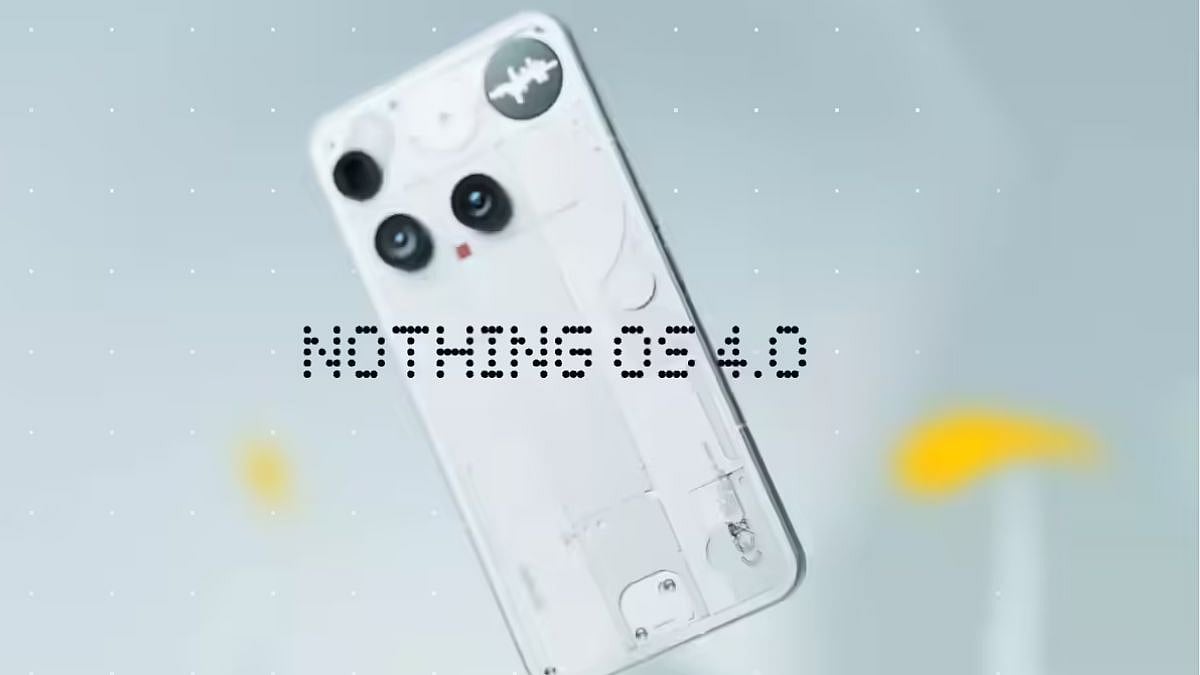
After the rollout for Nothing Phone 3 users, the company has now started rolling out its latest software update - Nothing OS 4.0 - to two more smartphones. The Android 16-based update is rolling out for Nothing Phone 3a and Nothing Phone 3a Pro users. This update is rolling out for users in India as well, and it brings along new AI-driven tools, revamped UI, enhanced Glyph smarts, and camera tweaks.
Important things to note before you install Nothing OS 4.0 update
Before diving into the update, back up your data religiously. Use Nothing's built-in backup tools or sync everything to Google Drive to safeguard photos, apps, and settings.
Ensure your device is charged to at least 50 percent and connected to a stable Wi-Fi network to prevent interruptions mid-download. Also, check for the latest version of the Essential Space app, as it's key for unlocking new Flip to Record features—head to the Google Play Store and update it proactively. Finally, steer clear of sideloading or third-party sources; stick to official channels to dodge malware risks.
How to install the Nothing OS 4.0 update
Snagging Nothing OS 4.0 is a breeze if you're in the initial rollout pool, otherwise, keep an eye on your notifications for the green light.
1. Start by heading to Settings > System > System Update on your Phone 3a or Phone 3a Pro.
2. Tap Check for updates, and if it's your turn, the hefty 3-4GB download will queue up automatically.
3. Once downloaded, hit Install and let your device reboot, expect the whole process to take 20-30 minutes.
Pro tip: Do this during downtime, as your phone will restart a couple of times. If no update shows up in Settings yet, Nothing's staggering the release for stability, so patience is your best friend. Do not download from unverified sources as this could bring in potential malware.
What's new with the Nothing OS 4.0 update
Nothing OS 4.0 update is based on Android 16. It brings along new AI features. Here's a lowdown on what's new.
- There is a new dashboard in Essential Space, spotlighting large-model activity for that extra layer of transparency.
- Hide apps stealth-mode from your home screen or drawer, plus tweak search scopes to keep things laser-focused.
- Redesigned app icons and a sleeker status bar.
- Two fresh lock screen clock faces, plus an 'Extra Dark Mode' (Settings > Display > Dark theme).
- Smoother animations and pop-up multitasking now juggles two floating windows like a pro.
- Widgets get flexible with new sizes for Weather, Pedometer, and Screen Time, and Quick Settings tiles expand to 2x2 grids.
- Flip to Glyph now lets you pick Silent or Vibrate modes, while Glyph Progress taps Android 16's Live Updates for seamless third-party app syncs.
- Flip to Record now bundles photos, notes, and videos into Essential Space.
- The camera app is getting new style presets, filters with adjustable intensity, and Motion Photos that capture longer clips with audio. Toss in refreshed watermarks, artistic frames, and a streamlined UI for faster shots.

