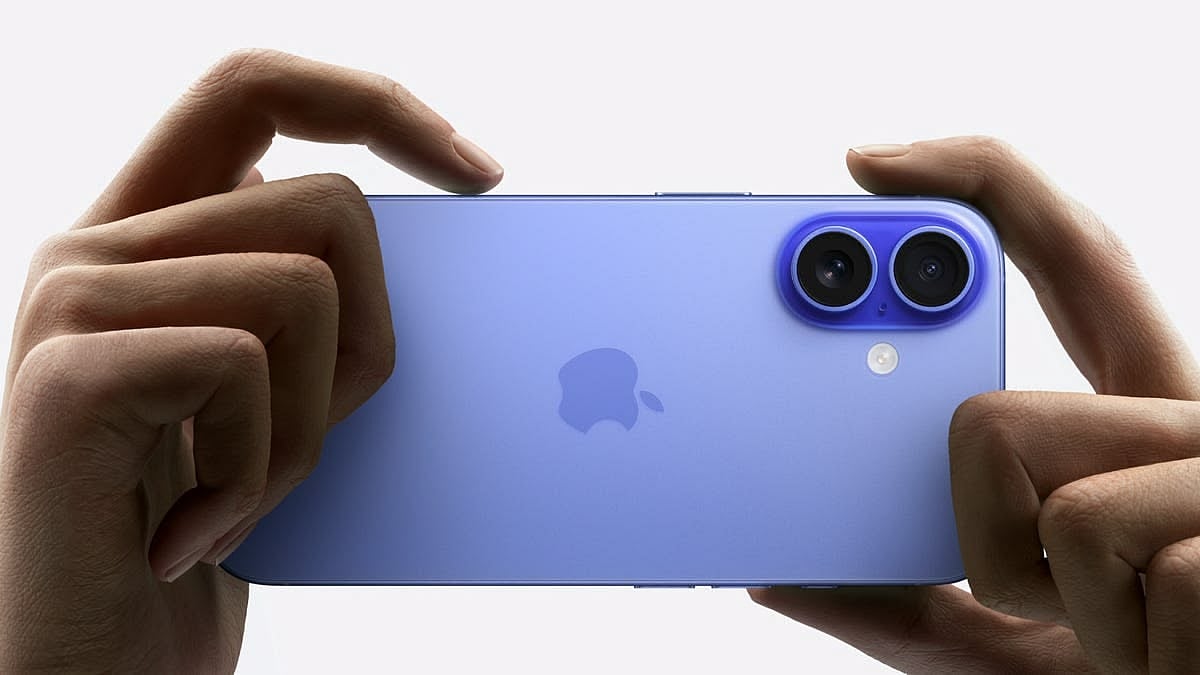
The default Camera app on an iPhone works well straight out of the box, but a handful of settings buried in the Camera menu can noticeably improve photo and video quality, framing, and shareability. These hacks, require no extra apps or purchases, just a few taps in Settings. Most work across recent iPhone generations, though a couple are limited to specific Pro models, which is noted where applicable.
1. Shoot 4K video instead of the default 1080p
Apple defaults video recording to 1080p to save storage, even though iPhones have supported 4K since 2015. Head to Settings > then Camera, then Record Video > and select 4K at a frame rate of choice. Higher frame rates such as 120 fps use more storage than 24 fps.
2. Shoot in ProRAW for higher quality, editable photos
ProRAW captures far more image data than a standard JPG, useful for editing or large prints. This is available on iPhone 12 Pro or later, with ProRAW Max, which captures even more detail, exclusive to iPhone 14 Pro or later. It is enabled under Settings > Camera > Formats > then ProRAW and Resolution Control.
3. Use a tripod for the best Night mode shots
Night mode can shoot for up to 30 seconds for maximum detail, but this setting is usually only accessible when the iPhone is completely stable. Placing the phone on a tripod, then long pressing the Night mode icon and selecting Max, 30s, unlocks the longest exposure time.
4. Take wider group selfies without turning the phone sideways
On Apple's latest iPhones, the front camera can capture a wider frame while held upright. Opening the Camera app, switching to the selfie camera, and tapping the person-in-frame icon above the shutter widens the shot, useful for both photos and 16:9 videos, without needing to rotate the phone.

5. Turn on the grid to frame shots better
The built-in grid overlay divides the frame into nine sections based on the Rule of Thirds, helping position subjects more deliberately. It can be switched on by going to Settings, then Camera, then Composition, and enabling Grid, with an option to also enable Level for balanced horizons.
6. Use Preserve Settings so camera preferences do not reset
By default, several Camera settings revert to their original state each time the app is closed. Under Settings > Camera > Preserve Settings, users can choose to retain preferences such as Camera Mode, Night Mode, Exposure Adjustment, Portrait Zoom, and ProRAW and Resolution Control, among others, so they carry over between sessions.
7. Switch to Most Compatible format for easier sharing
iPhones shoot photos in HEIC and videos in HEVC by default, formats that are not always readable on other devices. Selecting Most Compatible under Settings, Camera, Formats switches output to more universally supported formats, though file sizes will increase, and certain settings such as Cinematic video or 4K at 60 fps and above will still force High Efficiency.

