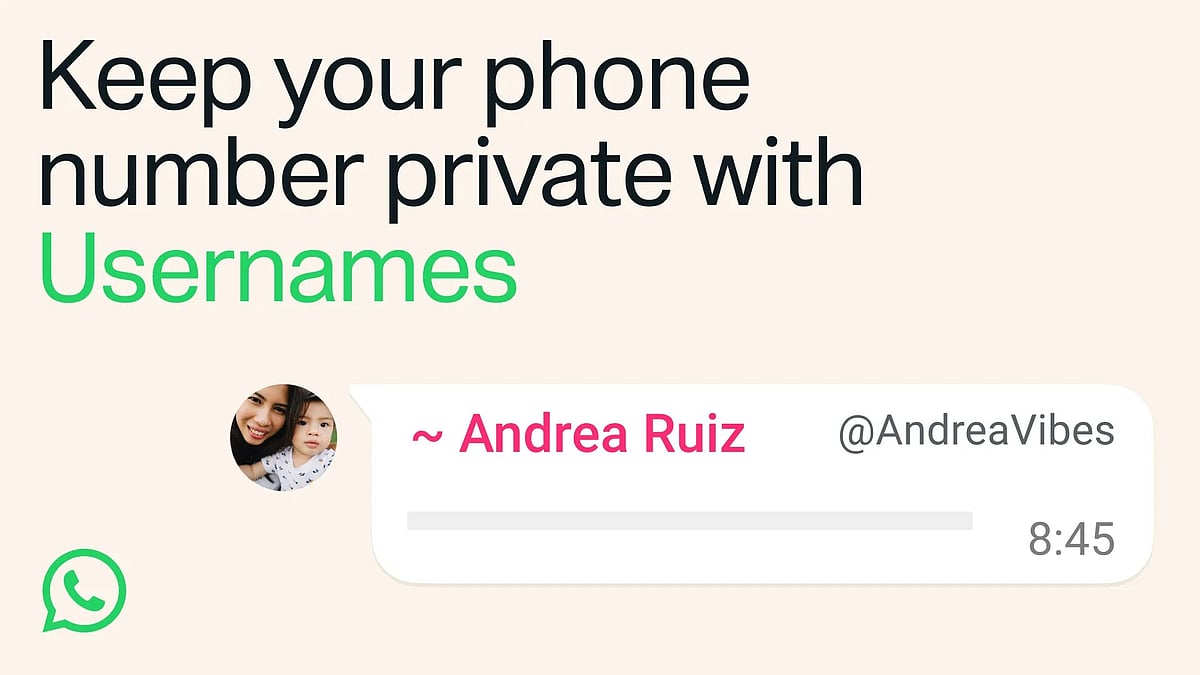
WhatsApp has begun rolling out username reservations for its global user base, ahead of a full feature launch planned later this year. The move allows users to start a chat or be added by a new contact without sharing their phone number, marking one of the most significant changes to how identity works on the messaging app since its inception.
Why is WhatsApp introducing usernames?
Explaining the rationale, WhatsApp said in a blog post that sharing a phone number with someone new, whether a classmate, a neighbour, or someone met at an event, can feel like a big step, since a phone number is personal and tied to many other parts of a person's life. The company added that with over three billion people on WhatsApp, names overlap significantly, which is why reservations are opening early so users have the opportunity to select a username that matters to them.
What reservation means right now?
It is worth noting that what is opening this week is only the reservation process, not the live feature. Usernames will not actually work in chats until WhatsApp's wider rollout later this year. The reservation can be made starting 'this week,' to be used once the feature itself launches later in the year. WhatsApp will roll out usernames gradually over the coming months and will notify users in the app once they are available in their country.
How to reserve a username?
Users can reserve a username by updating to the latest version of WhatsApp and going to Settings > Account > Username. According to reports, usernames can be between three and 35 characters long, with no major restrictions beyond company policy violations. Once a user enters a desired username, the app instantly checks availability and shows a confirmation; if the first choice is taken, the app generates alternative suggestions based on the original entry, and users can then tap 'save' and 'done' to finalise it.
WhatsApp has already reserved usernames for celebrities, politicians and other notable public figures, meaning users sharing the same name will need to pick an alternative. Separately, the company said creators, small businesses and organisations that want a consistent online presence have been given the option to claim their existing Instagram or Facebook username on WhatsApp.
How does this affect privacy?
WhatsApp has positioned usernames as a core privacy upgrade. The company said usernames are its latest step toward making WhatsApp more private, with no directory to browse and no suggestions, meaning people will need to know a user's exact username to contact them for the first time. Once the feature is live, a person who messages someone for the first time will no longer see that person's phone number if the username has been enabled.
For an added layer of control, WhatsApp is also introducing what it calls a username key. This is a PIN-like feature ensuring that even if a username is leaked or shared publicly without consent, strangers still cannot message that user without also knowing the key. Users will be able to create an optional username key that others must know before contacting them for the first time.

How to create a WhatsApp username?
WhatsApp says that it has offered the ability to reserve a username to all users globally. If your app is updated to the latest version, there should appear a pop-up when you open the app. It redirects you to the username creation page, wherein you can check the username you want and see if its available. If the pop-up doesn't appear, head to Profile > Click on your name > Username > Edit.
Add the name you want and save it for reservation. In the event you want to change your username, you can click on the option called ' Change Username'.
WhatsApp is still just taking reservations. The username feature is likely to roll out by the end of this year.

