
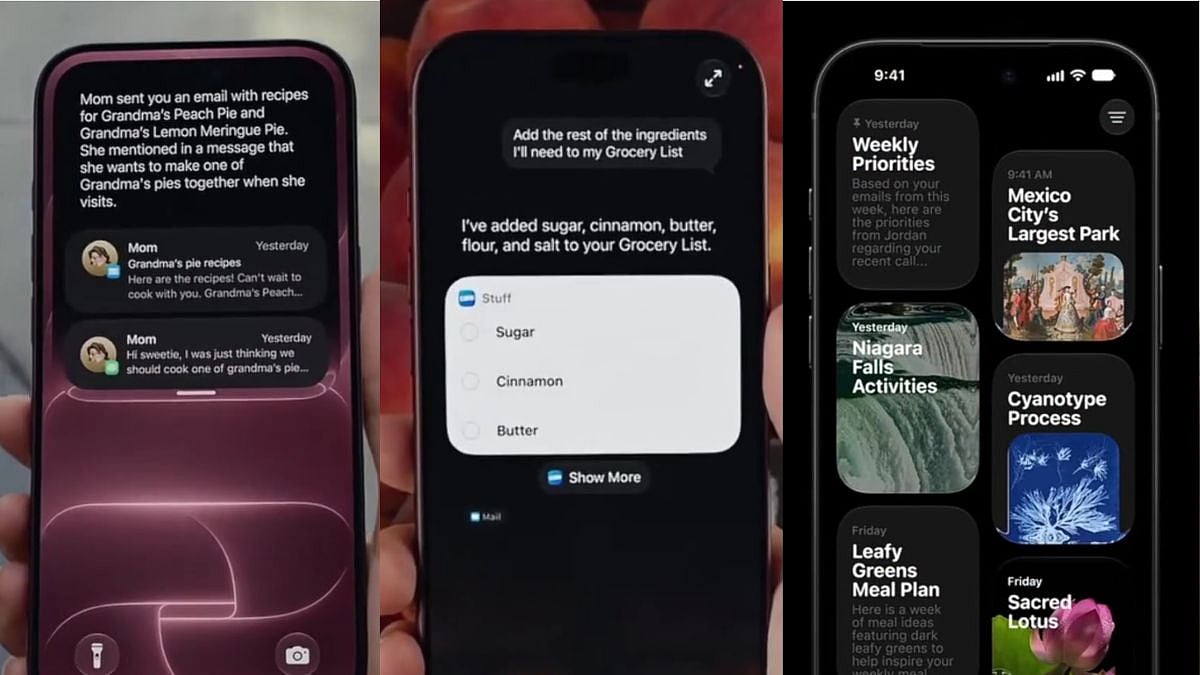
Apple is set to roll out iOS 27 on Monday, September 14, bringing one of the biggest software overhauls in recent years, headlined by a rebuilt, AI-powered Siri. As with every major iOS release, a little preparation can save users from a bumpy update experience.
When will iOS 27 roll out?
The update goes live on Monday as a free download. While Apple hasn't specified an exact release time, the company has historically pushed major iOS updates live around 10 am Pacific Time (roughly 11.30pm IST), going by past patterns. Users can check availability by heading to Settings > General > Software Update once the day arrives.

Which iPhones are eligible?
iOS 27 keeps the same compatibility list as last year's iOS 26, meaning the iPhone 11 and every model released after it, including the iPhone SE (2nd generation onward), will be eligible for the update. That's good news for owners of older devices, though Apple is expected to reserve some of the heavier Apple Intelligence and Siri AI features for phones with newer chips, so being on the compatibility list won't guarantee access to every new capability.
Is this a phased rollout?
Unlike some past updates, Apple has not explicitly confirmed whether iOS 27 will roll out in stages. The company hasn't published a release time, download size, or update-mechanics document for this specific version, which has left some ambiguity around whether all eligible devices will see the prompt simultaneously. Users with automatic updates enabled may find their phones update quietly overnight while charging and connected to Wi-Fi, regardless of when the rollout technically begins.
What should users do before updating to iOS 27?
A few basic checks can prevent update failures or data loss:
1. Back up your iPhone. Use iCloud or a computer via Finder/iTunes to create a full backup before installing anything. This protects photos, messages, contacts and app data in case the update runs into trouble.
2. Free up storage space. The update is expected to be a few gigabytes in size, so check Settings > General > iPhone Storage and clear out unused apps, duplicate photos or old downloads if space is tight.
3. Charge your device. Keep the phone above 50 percent battery, or ideally plugged in throughout, since an interrupted update due to low power can cause bigger problems.
4. Connect to stable Wi-Fi. Downloading iOS 27 over a shaky connection increases the risk of a failed or corrupted install.
5. Pick the right time. Installation can take up to an hour, so it's best to update when the phone isn't needed immediately. Overnight is often the safest window.
Following these steps should ensure a smooth transition once iOS 27, and its Siri AI-led feature set, starts appearing on eligible iPhones this Monday.

