Putting together your own machine helps increase efficiency, reduce price and keeps you better informed about computing in general. Krishna Bahirwani reveals what you need to know to avoid common mistakes from getting in your way.
Also Read: Apple iOS 10.3 beta to come with ‘Theater mode’
Pay attention to compatibility
While selecting parts for your computer, compatibility plays a vital role. Motherboards need to have the right socket for the kind of processor you want. The RAM you select needs to work both with your CPU and your motherboard. Your power supply should have enough juice to ensure your components work perfectly. Knowing this before deciding to build your PC can help you strike the balance you need to make your new rig work perfectly.
Don’t cut costs on the motherboard and power supply
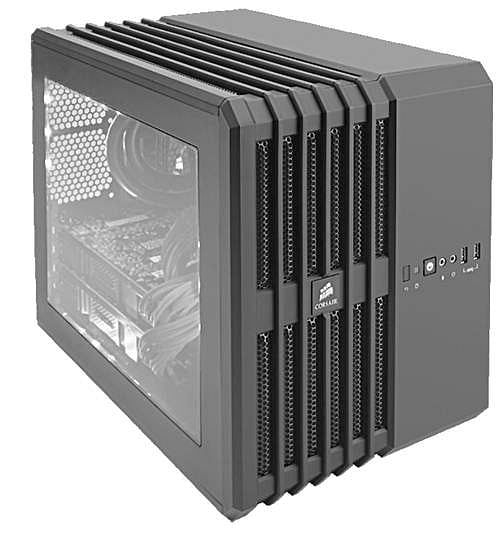
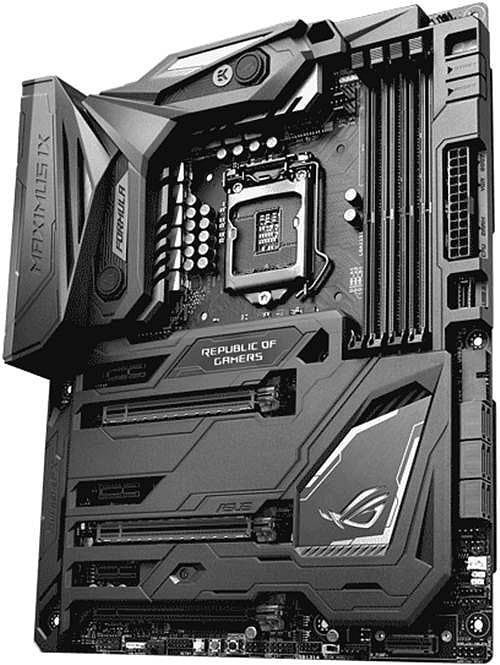
While the power supply and motherboard may not initially strike you as very important components. They, however, serve as the backbone of your computer. Cheap power supplies may sound appealing to newbies especially because the money they save on the PSU might get them an upgraded processor, graphic card or more RAM. It is, however, important to note that these new components that you spend a fortune on may malfunction if you compromise on the power supply. The motherboard is another important component, future upgradability and expansion depends upon it. Picking a cheaper option now may land up costing you a lot more in the future when you want to upgrade.
Look for local support
Most of the components you buy to assemble your computer come with warranty and hence you should be able to replace any faulty part. However, sometimes manufacturers have a lower presence in your city making the entire process difficult. While you may feel that the component you have selected will give you the price to performance ratio you are looking for, support may be something that you would want to factor into the equation.
Account for weather conditions
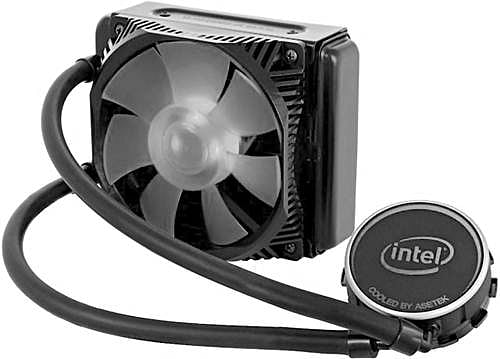
The surrounding environment of the computer you are going to setup is something that you need to start paying attention to. Heat and moisture play a particularly important role in cutting the longevity of your machine. Putting in silica gel bags and installing the right kind of cooling can make a big difference if you stay next to the sea or a desert. Make sure to check individual components if you stay in a region of high humidity for the possibility of rusting.
Also Read: Six big technology trends that will shape 2017
Go modular
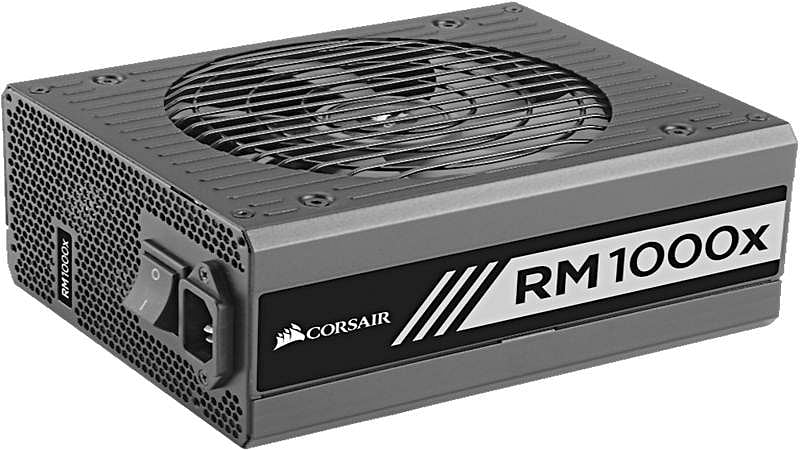
Proper cable management is an often overlooked when it comes to assembling a PC. Improper cable management can make the case excessively crowded, limiting airflow and increasing dust collection both of which affect the lifespan of the components. Getting a modular power supply such as the RM1000x from Corsair that comes with separate cables that you can place in an efficient manner avoids these problems and enhances the life of your PC’s components.
