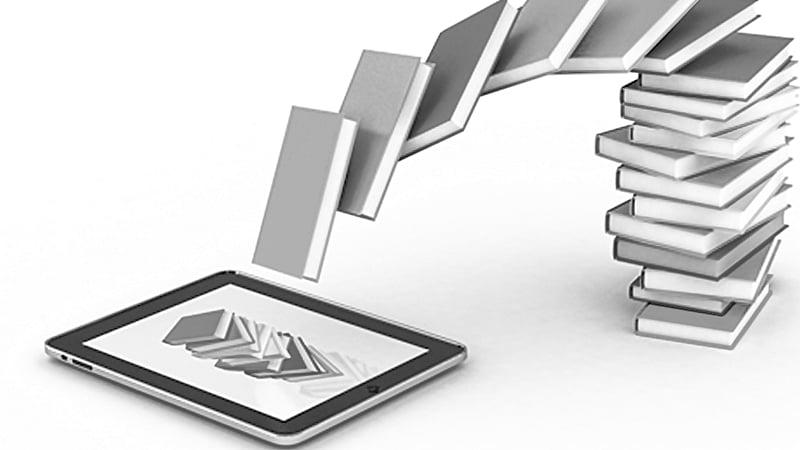
While some people still buy dedicated e-reader devices, many readers have moved on to smartphones and tablets. Check out some of our favorite alternative e-book reader apps, from convenient, all-in-one marketplace-reader combinations to feature-packed and highly customisable standalone readers, as well as subscription-based unlimited reading services
Kindle (Android, iOS: Free)
Amazon’s Kindle app (Android, iOS) is a multi-platform e-book juggernaut, featuring marketplace, reader and library management features. More than a million titles are available in the Kindle store, from the latest bestsellers to free classics. A customizable display lets you set font size, brightness and other settings. Also, Kindle syncs your last page read, bookmarks, highlights and notes between devices and platforms. A new addition is a Kindle Unlimited program that gives Kindle users access to thousands of audiobooks and e-books for a monthly fee.
Wattpad (Android, iOS: Free)
The world of fiction and book publishing can be intimidating to young writers looking to get published, but Wattpad (Android, iOS) lowers the barriers to entry by allowing anybody to sign up and submit their works for anyone to read and enjoy online. A combination of self-publishing platform, digital reader and gigantic social network for writers and readers to connect, Wattpad features more than 75 million stories across a variety of genres from amateur and professional authors that users can follow and read on and offline.
Google Play Books (Android, iOS: Free)
Google Play Books (Android, iOS) is the search giant’s own entry in the ebook reader app field. Of the two versions, the Android version is the stronger, with Google Play integration letting you easily shop for books (as opposed to going to the browser in iOS). Text highlighting, a built-in dictionary and map search give you lots of features to play with, and the obligatory syncing features saves your reading position across devices. In addition to reading your Google Play Books titles, you can also upload their own PDF and EPUB files if you want to import an existing collection.
Overdrive (Android, iOS: Free)
Why spend a ton of money on ebooks if your library already has a digital media lending system? Overdrive (Android,iOS) allows users to borrow ebooks and audiobooks from the digital collections of participating libraries, all without having to deal with the hassle of manual lending and return of paper books. OverDrive users can borrow titles from the library’s collection 24/7, and users can create holds, wishlists and effortlessly return ebooks and audiobooks.
Nook (Android, iOS: Free)
Barnes & Nobles’ entry in the e-book reader field, the Nook app (Android, iOS), is a pretty strong contender. A selection of more than 4 million paid and free e-books, magazines, comics and other publications means readers are spoiled for choice. Plus, customizable settings for fonts, margins, line breaks and night mode give you even more choices. Cross-device and platform syncing through your Nook account let you save your notes, last page read and other settings across devices. In particular, the Android version has received an interface refresh, with a redesigned home screen and more organization options to sort your collection.
