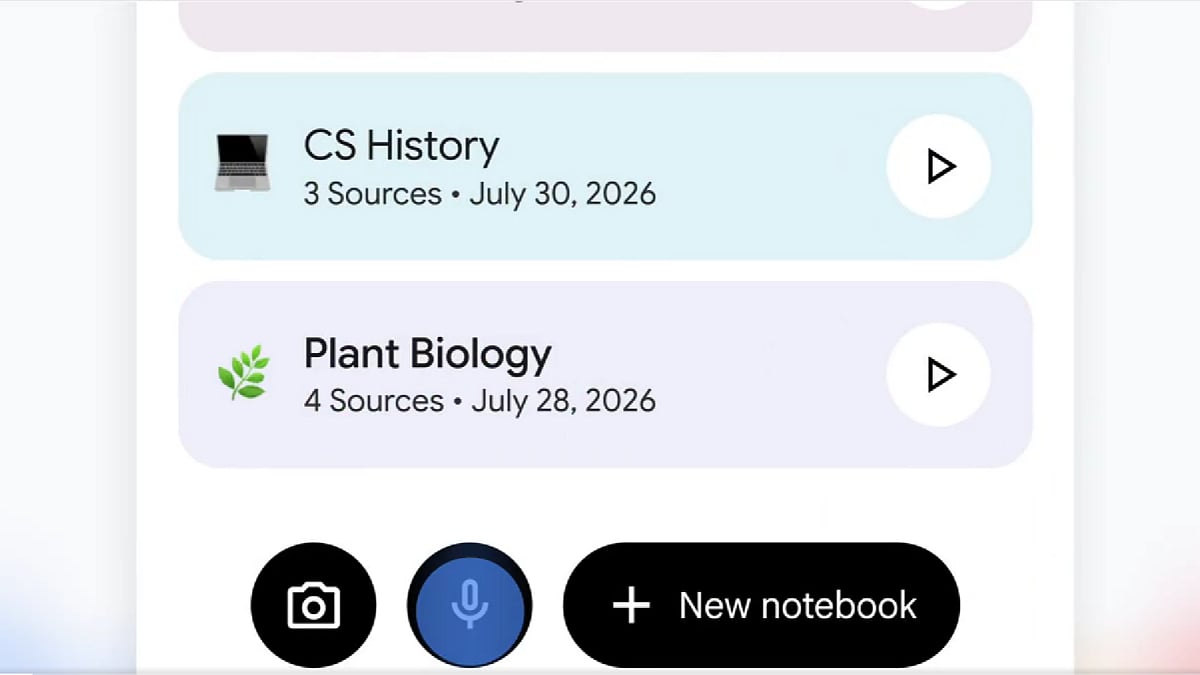
Google has started rolling out a built-in audio recorder in the Gemini Notebook mobile app, the research tool formerly known as NotebookLM, on Android and iOS. Recordings last up to one hour and become sources inside a notebook, so you can question them like any uploaded document. The wide rollout began on October 27.
What changed
Until now, the app could only analyse audio files you uploaded. Google first announced the recorder on September 15, so the wide rollout comes about six weeks later. A recording is stored as a transcript, not an audio file, according to Google's help center as summarised by Creators Toolbox. Once it's a source, you can chat with it, pull out key points and cite it.
How to use it
1. Open the app on an Android or iOS phone and look for the new microphone icon at the bottom, between the camera and the 'Create New' button.
2. Choose where it goes. Tapping the microphone on the home screen creates a new notebook for the recording. To add it to an existing notebook, open that notebook, go to Sources and tap the microphone.
3. Record. You'll see a waveform and a live timer. You can pause and resume.
4. Switch apps or lock your screen if you need to. Recording continues in the background.
5. Tap the checkmark to finish. That starts the upload, and the transcript appears as a source you can query.
What to know before you rely on it
- One-hour cap. For a longer lecture or meeting, split it into separate recordings.
- No audio kept. The app keeps the transcript. If you need the original audio, record it separately too.
- Plan and language unclear. Google's help documentation does not name a required plan or a language limit, according to Creators Toolbox. One outlet called it an English-language feature, so check that your language works before depending on it for a meeting.
- Consent. If you record other people, tell them. Recording laws and norms vary, so get their agreement for meetings and interviews.
- App requirements. The mobile app needs Android 10 or later, or iOS 17 or later.
Where it fits
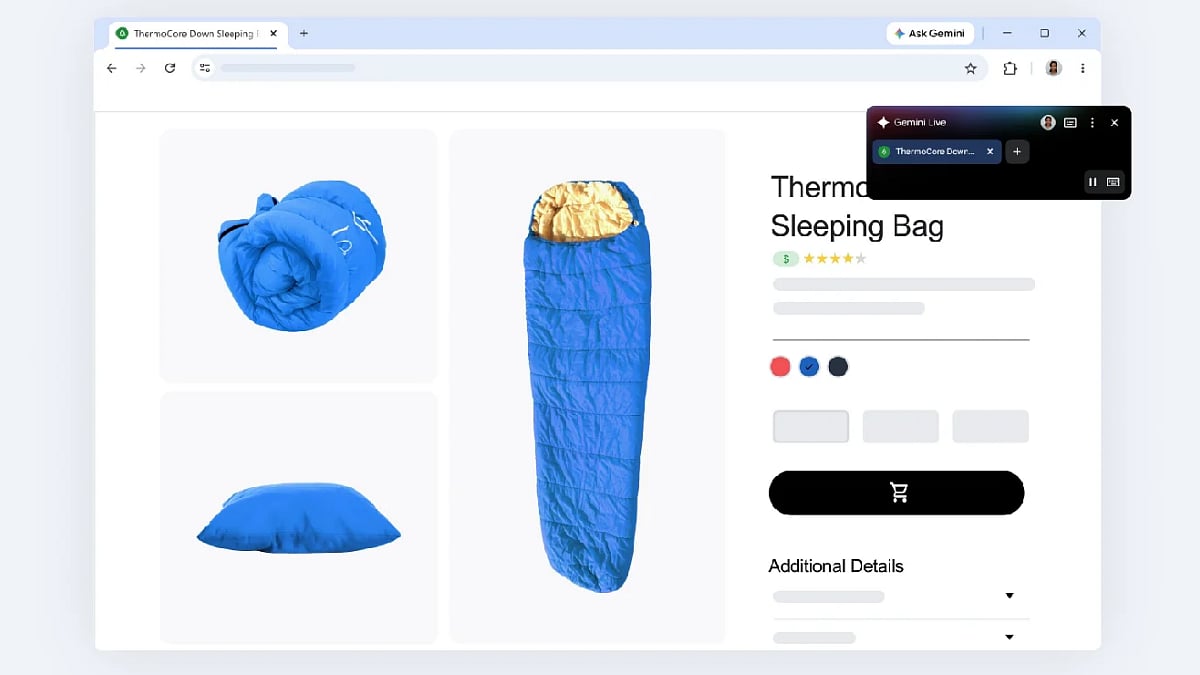
Google pitches the recorder for capturing lectures and thoughts on the go, and the product's own post also mentions team meetings. It follows a recent Live button in the Chat tab, which allows real-time conversations with notebooks, and Connected App integration last week. Similar tools such as Apple Voice Memos and Otter-style transcribers already exist, but recording straight into a notebook skips the step of exporting a file and re-importing it.

