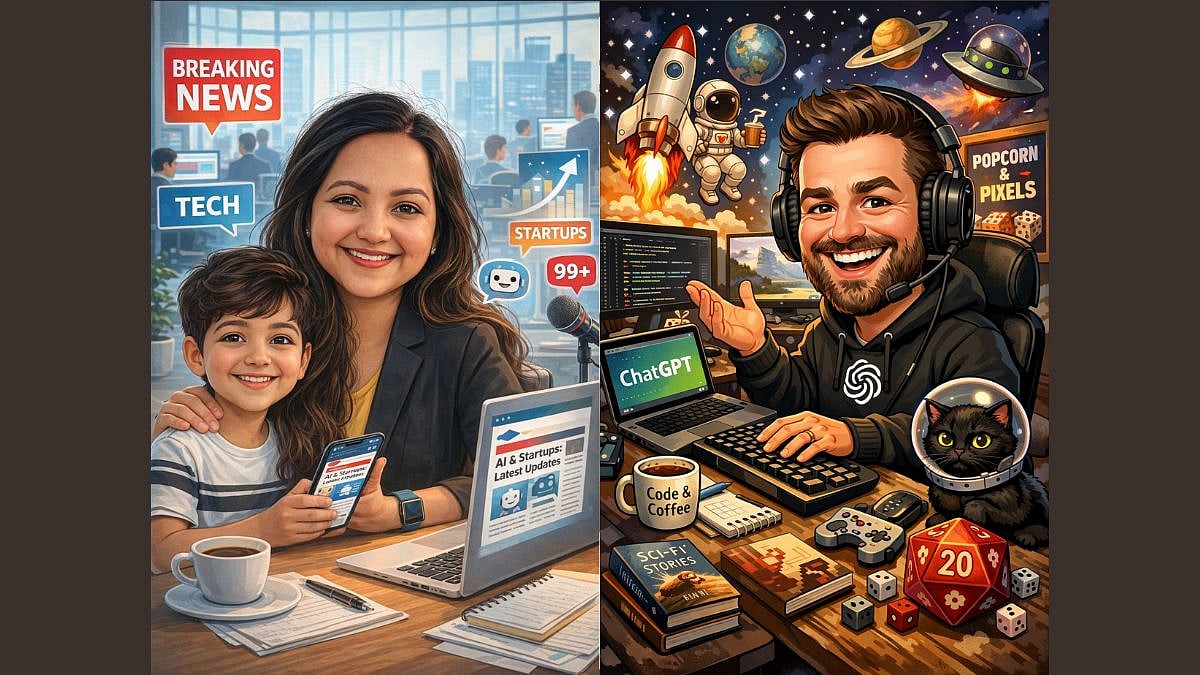
Gone are the days of the Dhurandhar viral trend taking over the Internet, a new caricature ChatGPT image trend is now going viral on Instagram and other social media platforms. Users are flooding their social media feeds with exaggerated, cartoon-style portraits created through ChatGPT, and you can create your own too. This has become the first major AI trend of 2026.
The trend, which has now viral, allows anyone to create professional-looking caricatures without artistic skills or theme park visits. The AI exaggerates facial features, expressions, and body language while often adding details related to professions, hobbies, or personality, resulting in highly shareable and entertaining images.
Whether you want to show your friends or just post on social for the heck of it, your AI-generated caricature is very easy to create. Here are some examples:
How to create your own caricature on ChatGPT
Creating your AI caricature is surprisingly simple and takes just a few minutes. Here's a step-by-step guide:
1. Open ChatGPT by going to the website or use the app.
2. Upload your photo by clicking on the + sign and upload a clear, front-facing photo of yourself. Close-ups with good lighting work best for accurate results.
3. Use this simple prompt - Create a caricature of me and my job based on everything you know about me. This prompt allows ChatGPT to pull from your conversation history to add personalised details.
4. For more personalised caricatures, try these enhanced prompts:
- "Create a caricature of me and my job. I am a journalist who works for a digital news platform, loves coffee, and is always on deadline."
- "Create a caricature of me and my job. I'm a nurse in a hospital and mainly work with children."
- "Make it like a classic theme-park caricature, big head, smaller body."
The more descriptive you are, the more personalised your caricature will be. Clothes, tools, and favourite accessories - it will help ChatGPT paint a better picture of you.
5. Hit send and watch as ChatGPT creates your caricature. If you're not satisfied with the first result, simply tweak your prompt and try again. Once you have your perfect caricature, save it and share it across your social media platforms.

