Anthropic has launched a major new capability for its Claude AI, allowing it to directly control a Mac computer. The new capability allows Claude to move the mouse, use the keyboard, navigate apps, and complete tasks autonomously. The feature, currently in research preview, marks a significant leap from AI as a chat assistant to AI as an actual hands-on digital worker.
What is Claude Computer use?
Claude can now point, click, and navigate like a human would, doing everything from opening and editing files to handling complex software tasks. The feature is available through two of Anthropic's desktop tools -Claude Cowork and Claude Code - and represents Anthropic's own entry into a space previously occupied by third-party tools built on top of Claude.
When Claude lacks a direct integration with a service, it falls back to controlling your screen like a human would, opening files, operating browsers, and running development tools automatically.
How to use it
Claude will first prioritise connectors to supported services such as the Google Workspace suite or Slack, but if a connector is not available, it will still be able to execute the assigned task. Claude will ask for permission before taking these actions.
To get started, users need the Claude Desktop app updated to the latest version, then switch to Cowork or Code mode. Users must grant folder access by selecting the directory they want Claude to use and then describe their task in natural language.
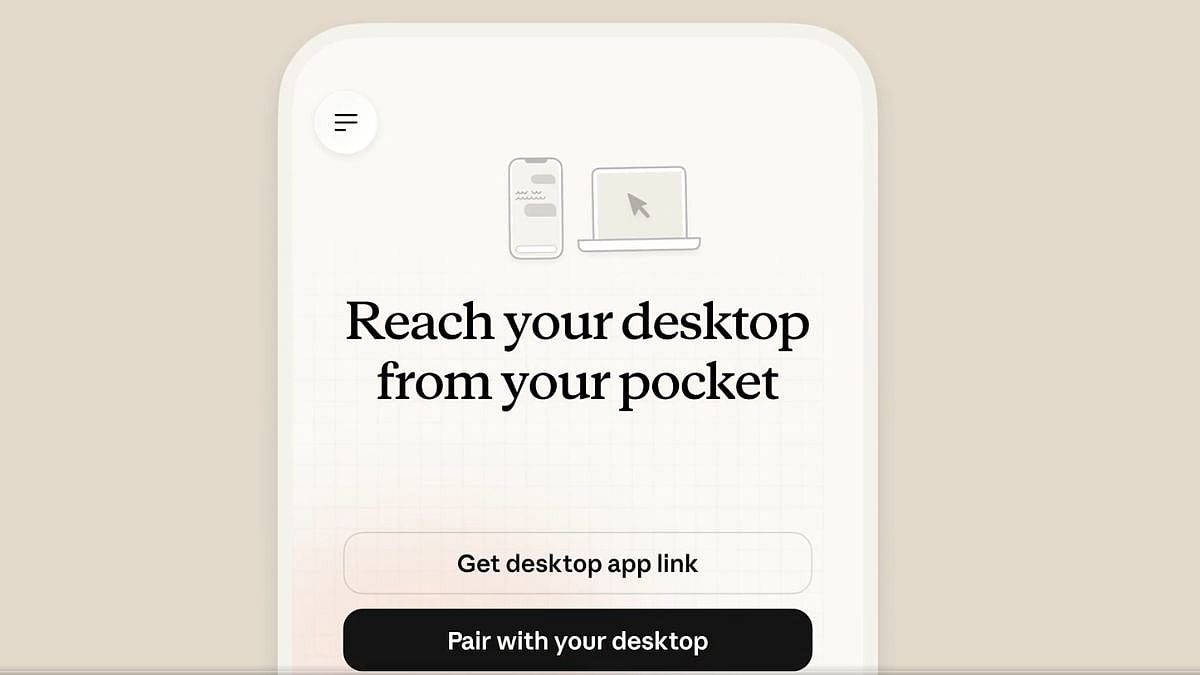
Dispatch allows you to control Claude remotely from your phone
A key companion feature is Dispatch, Anthropic's mobile tool. With Dispatch, you can instruct Claude from your phone while away from your computer. This means users can assign tasks to Claude - compile a report, organise files, run tests - and check back on progress remotely from iOS.

Who can access it and at what cost?
Claude computer use is initially available to Claude Pro and Claude Max subscribers on macOS, and remains a research preview that will be adjusted based on user feedback. Windows and Linux users will have to wait, as it currently only works on Mac computers.
What about India?
The feature is technically accessible to Indian users, as Claude Pro and Max are available globally. However, a significant barrier remains — Claude subscriptions are only priced in USD, with no UPI support and no localized Indian payment options, making Claude Pro ($20/month) effectively cost upwards of ₹2,000 after currency conversion fees and 18% GST on international transactions. Competitors like ChatGPT already offer INR-priced plans with UPI support in India, and Anthropic is yet to address this gap.
Anthropic built the system with a permission-first approach. Claude requests access before touching new applications, and users can halt operations at any point. The company also implemented automatic scanning to detect prompt injection attempts. Still, Anthropic itself acknowledged the feature is still early compared to Claude's ability to code or interact with text, and that complex tasks may require multiple attempts. The company recommends avoiding sensitive information during the preview period.

