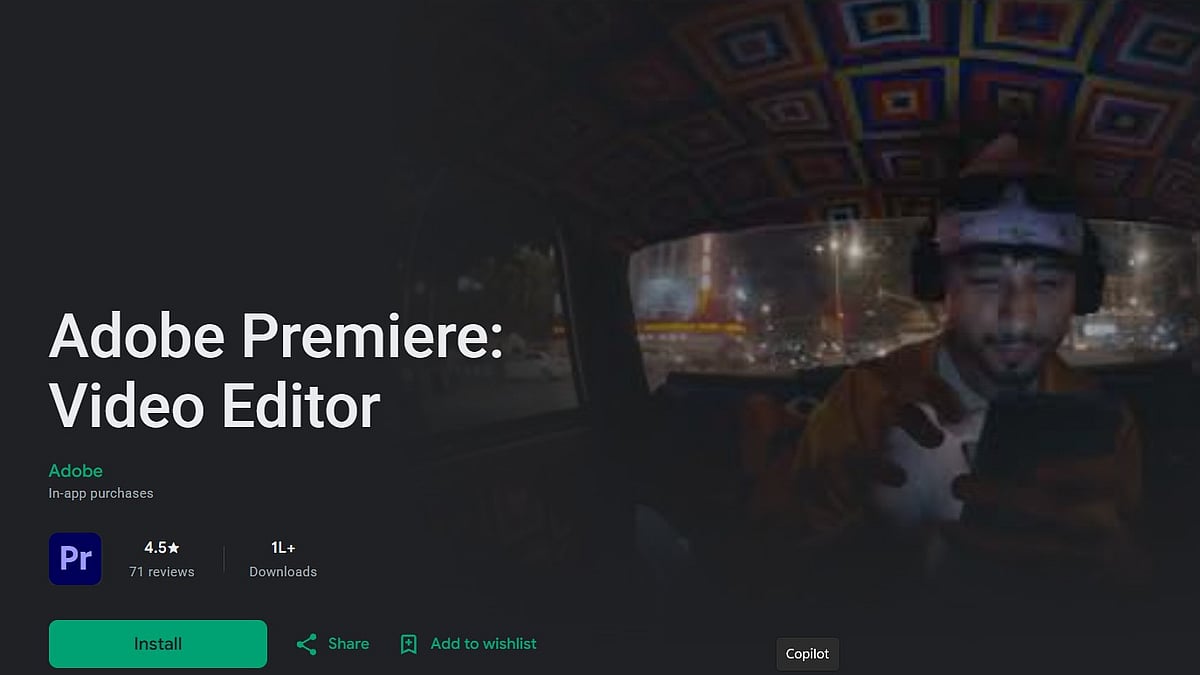
Adobe has launched its mobile version of Premiere on Android, bringing a free, full-featured video editor to Google's platform more than a year after the app first debuted on iPhone. The release lets creators edit and export videos entirely from their phones, with core editing tools and 4K exports available at no cost, and generative AI features layered on top as an optional paid extra.
Adobe Premiere mobile launched on iPhone roughly a year ago, in September 2025, after being listed on the App Store with a preorder link. That version introduced many of the same building blocks now arriving on Android. A multi-track timeline, 4K HDR editing, automatic captions, and Firefly-powered AI tools for generating images, audio and video from text prompts. The Android app follows a similar approach, essentially bringing Google's platform up to parity with what iPhone users have had access to for over a year.
What's free and what isn't
Adobe is positioning the Android app as a genuinely free editor rather than a stripped-down trial. Users can split, trim, crop and merge clips, adjust playback speed, layer in text, effects and multiple audio tracks, and record voiceovers, all without a subscription. The app also allows unlimited 4K video exports with no watermark and no in-app advertising, and it doesn't require creating a login to start editing or saving projects locally.
The paid boundary sits specifically around generative AI and storage. Firefly-powered features including image generation, image-to-video conversion, and text-prompted sound effects run on an AI credit system, though the app includes 250 free Firefly credits per month before any purchase is needed. Extra cloud storage is likewise sold separately.
Key features
- Multi-track timeline: video, music, voiceovers, text and effects can all be layered in a single project, similar to desktop-style editing rather than a basic single-track mobile editor.
- Enhance Audio: a one-tap tool that reduces background noise and sharpens recorded speech.
- Templates and social workflows: users can start from templates built by other creators, and the app includes a dedicated workflow for formats like YouTube Shorts, Instagram Reels and TikTok-style clips.
- Stock and asset access: effects, transitions, and music can be pulled from Adobe Stock, personal files, or extracted audio.
- Generative AI tools: Firefly-based Generative Fill, image-to-video generation, and text-to-sound-effect creation, gated behind the credit system after the free monthly allowance.
Device requirements and rollout
The Android app is available now on Google Play but isn't universally supported. It requires a device running Android 13 or later with at least 5GB of RAM. Adobe has said the app has already crossed 50,000 downloads and has flagged more features on the way, including Adobe Fonts, improved captions, keyframes, and beat detection, though it hasn't given a timeline for when those will roll out.

