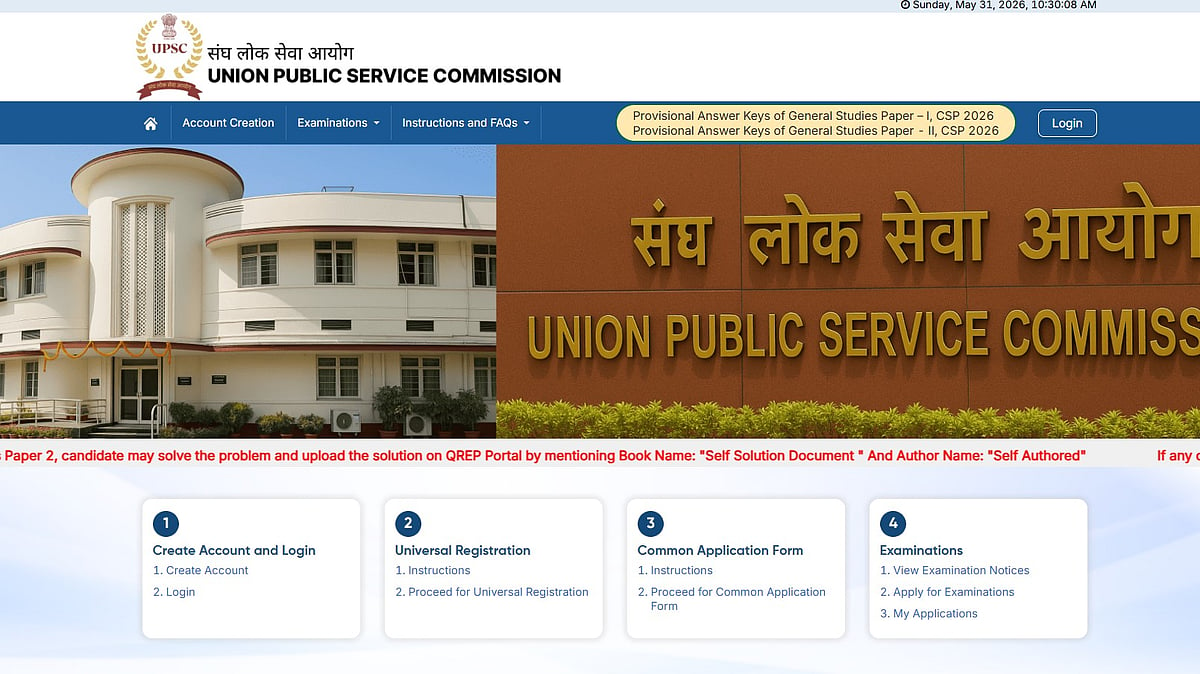
UPSC Prelims 2026: The Union Public Service Commission (UPSC) will close the objection window for the Civil Services Preliminary Examination 2026 answer key today, May 31, 2026, at 6 PM. Candidates who appeared for the examination can submit their objections through the official Question Paper Representation (QPRep) portal available at the UPSC online website.
The commission had released the provisional answer key on May 27, only three days after the examination conducted on May 24, 2026.
This year, nearly 5.49 lakh candidates registered for the highly competitive examination. Candidates who wish to challenge any answer in the provisional key must submit their objections online before the deadline. UPSC has clarified that objections sent through email, post, or any offline mode will not be accepted.
Direct Link To Raise Objections
Direct link to download General Studies Paper - I Answer key
Direct link to download General Studies Paper - II Answer key
UPSC Prelims 2026: Official Websites
Candidates can use the following portals for answer key objections and other examination-related services:
Challenge Portal: upsconline.nic.in
Official UPSC Website: upsc.gov.in
UPSC Prelims 2026: How to Raise Objections for UPSC Prelims 2026 Answer Key
Candidates can follow these steps to submit objections online:
Step 1: Visit the official UPSC online portal and log in using OTR credentials.
Step 2: Open the “Question Paper Representation (QPRep)” module available on the dashboard.
Step 3: Select the correct question booklet code from the drop-down menu.
Step 4: Choose the question for which you want to raise an objection.
Step 5: Enter detailed justification along with at least three credible references supporting your claim.
Step 6: Review the details and submit the representation before 6 PM on May 31, 2026.
Candidates are advised to complete the process before the deadline to avoid technical issues or last-minute delays.
UPSC Prelims Answer Key 2026: Steps to download the asnwer key
Step 1: Go to upsc.gov.in, the Commission's official website.
Step 2: Navigate to the What's New section or select the Answer Key tab from the homepage.
Step 3: Navigate to the Civil Services (Preliminary) Examination 2026, GS Paper I Answer Key, or GS Paper II (CSAT) Answer Key active links.
Step 4: A PDF file containing confirmed keys for Sets A, B, C, and D will appear on the screen.
Step 5: Download the document and save a copy for comparison with your response sheet before the objection window closes.

