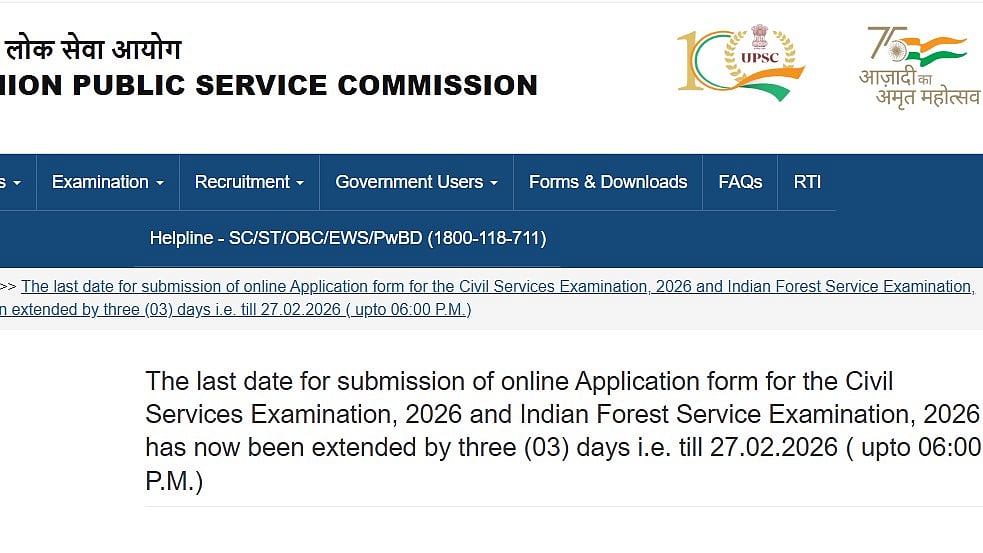
UPSC CSE & IFS 2026 Registration Extended: The deadline for applying to the Indian Forest Service (IFS) Examination 2026 and the Civil Services Examination (CSE) has been extended by the Union Public Service Commission (UPSC). The deadline has been extended by three days to February 27, 2026, till 6:00 PM, from its original expiration date of today.
On the last day of submission, hundreds of candidates encountered server issues and technical difficulties on the official website, upsconline.nic.in, which led to the decision. Numerous people complained about "404 error" warnings and difficulty loading the application sites; this was probably caused by a huge spike in traffic as the deadline drew near.
The official announcement that is accessible on the internet states, "The last date for submission of online Application form for the Civil Services Examination, 2026 and Indian Forest Service Examination, 2026 has now been extended by three (03) days i.e. till 27.02.2026 ( upto 06:00 P.M.)"
UPSC CSE, IFS 2026 Notification Out: Important dates



UPSC CSE & IFS 2026 notification release: February 4, 2026
Online application start date: February 4, 2026
Last date to submit application: February 27, 2026 (till 6:00 PM)
UPSC Civil Services & IFS Preliminary Exam 2026: May 24, 2026
UPSC Civil Services Main Examination 2026: August 21, 2026
Cut-off date for age eligibility: August 1, 2026
UPSC CSE, IFS 2026 Notification Out: Eligibility criteria
Application fee is waived for PH and PwD candidates
Candidates must hold a graduate degree from a recognised university
Applicants must be between 21 and 32 years of age
Age relaxation is applicable as per government norms
UPSC CSE, IFS 2026 Notification Out: Application fees
General / OBC / EWS candidates: ₹100
SC / ST candidates: ₹100
Female candidates: ₹100
Mode of payment: Online
UPSC CSE 2026 Registration: Steps to apply
Candidates can use the instructions below to apply online:
Step 1: Go to upsconline.nic.in, the UPSC's official website.
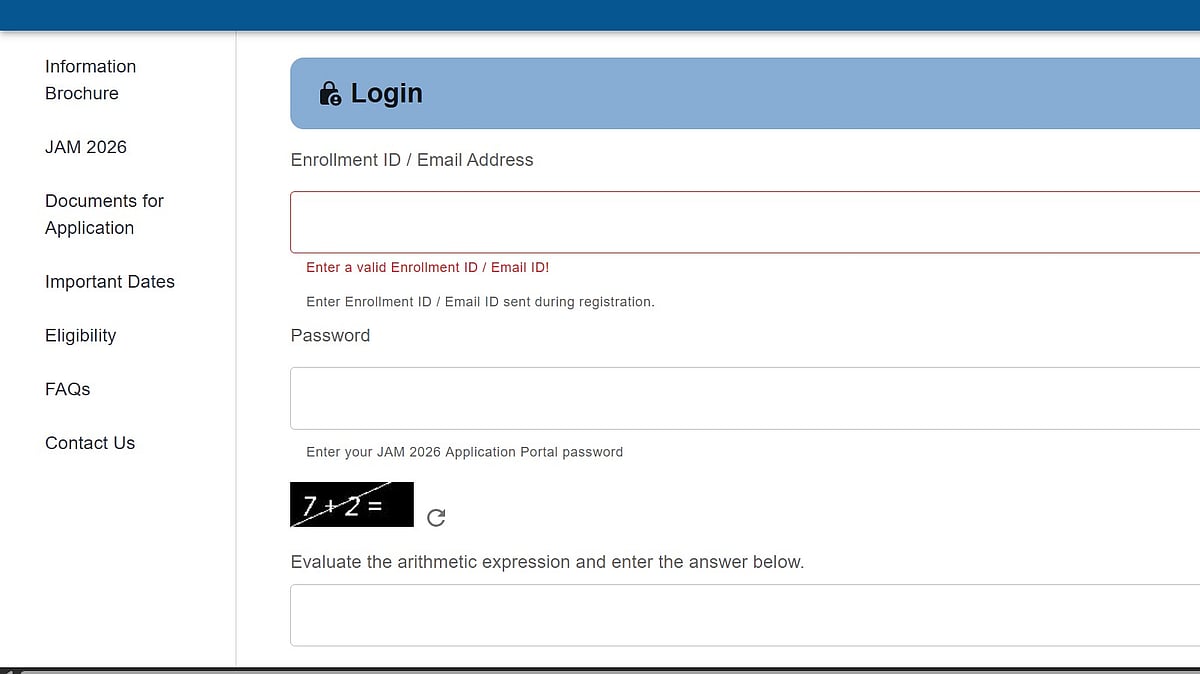
Step 2: Enter the registration information after clicking the registration link.
Step 3: After that, sign in to the account.
Step 4: Complete the application and pay the required amount.
Step 5: Download the confirmation page by clicking the submit button.
Step 6: Save a physical copy in case you need it later.
