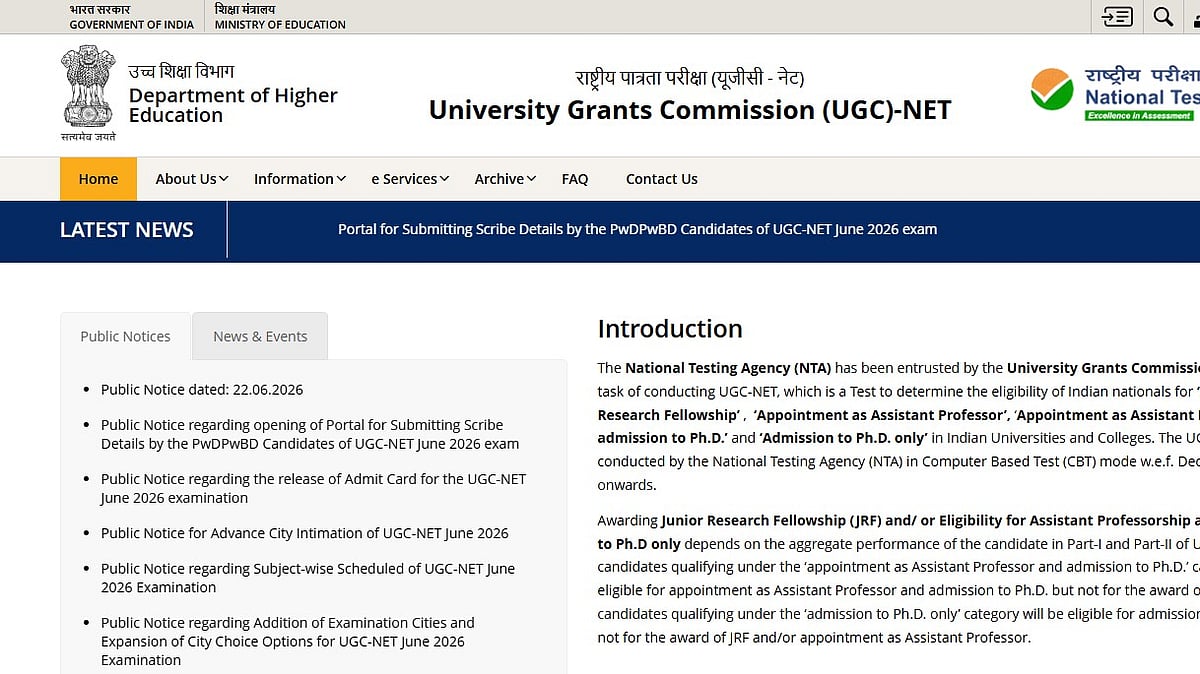
UGC NET Answer Key 2026: The National Testing Agency (NTA) is expected to release the provisional answer key for the University Grants Commission–National Eligibility Test (UGC NET) 2026 shortly on its official website, ugcnet.nta.nic.in. Once released, candidates who appeared for the examination will be able to download the answer key, view their recorded responses, and challenge any discrepancies within the prescribed objection window.
The UGC NET June 2026 examination was conducted in multiple shifts between June 22 and June 30, 2026, at centres across the country.
UGC NET Answer Key 2026: How to Download
Candidates can follow the steps below to access the provisional answer key:
Step 1: Visit the official website at ugcnet.nta.nic.in.
Step 2: Click on the UGC NET Answer Key 2026 link available on the homepage.
Step 3: Log in using the required credentials, if prompted.
Step 4: The subject-wise or paper-wise answer key will be displayed on the screen.
Step 5: Download the PDF and save it for future reference.
Step 6: Take a printout for your records.
UGC NET Answer Key 2026: How to Raise Objections Against the UGC NET Answer Key
If candidates find any discrepancies in the provisional answer key, they can submit objections during the challenge window by following these steps:
Step 1: Visit the official website at ugcnet.nta.nic.in.
Step 2: Click on the UGC NET Answer Key Challenge or Objection Window link.
Step 3: Log in using your application number and date of birth (or other required credentials).
Step 4: Select the question(s) you wish to challenge.
Step 5: Upload supporting documents or justification, if required.
Step 6: Pay the prescribed objection fee through the available online payment mode.
Step 7: Submit the challenge and download the confirmation page for future reference.
What Happens Next?
After the objection window closes, the NTA will review all the challenges submitted by candidates. If any objections are found to be valid, the provisional answer key will be revised accordingly. Based on the final answer key, the agency will prepare and announce the UGC NET 2026 result.
Candidates will be able to download the final answer key and scorecard from the official website once they are released.
Applicants are advised to regularly check ugcnet.nta.nic.in for the latest updates regarding the answer key, objection schedule, and result declaration.

