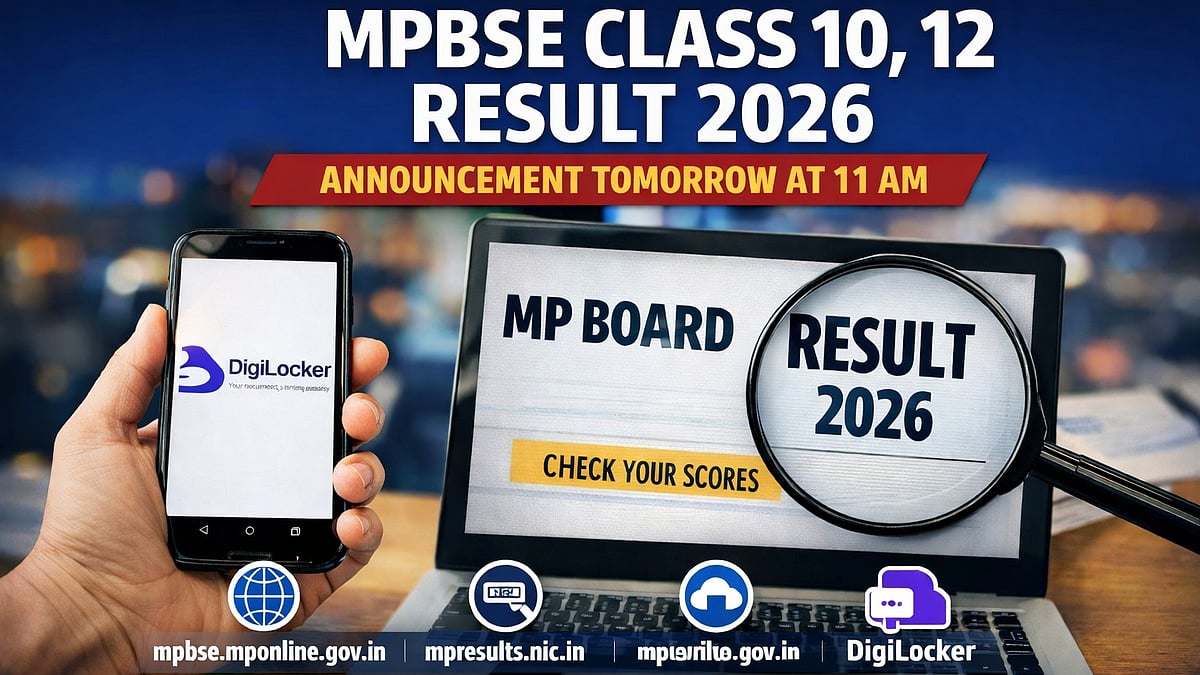
MPBSE Class 10, 12 Result 2026: The results of the 2026 High School Certificate (HSC) or Class 10 exam have been formally announced by the Madhya Pradesh Board of Secondary Education (MPBSE), Bhopal. The Chief Minister will formally reveal the results on April 15, 2026, at 11:00 AM. In order to guarantee easy and broad access, students will be able to view their results via a variety of online channels, according to the board's press release. The main portal will be the official website, mpbse.mponline.gov.in.
MPBSE Class 10, 12 Result 2026: Where to check the result
MPBSE Class 10, 12 Result 2026: Steps to check the result online
Candidates can get the MPBSE Class 10th result 2026 by following the instructions provided here:
Step 1: Go to mpbse.mponline.gov.in, the official website.
Step 2: Select the "MPBSE Class 10 Result 2026" link from the homepage.
Step 3: Fill up the necessary fields with your application number and roll number.
Step 4: Press the "Submit" button.
Step 5: The screen will display your outcome.
Step 6: Carefully review every aspect.
Step 7: Download the outcome and print it off for your records.
MPBSE Class 10, 12 Result 2026: Steps to check the result via Digilocker
Step 1: Visit the official website of DigiLocker – digilocker.gov.in or open the app.
Step 2: Log in using your registered mobile number/Aadhaar number.
If you are a new user, click on Sign Up and create your account.
Step 3: After logging in, go to the ‘Issued Documents’ section.
Step 4: Click on ‘Education’ category.
Step 5: Select MP Board (MPBSE) from the list.
Step 6: Choose Class 10 or Class 12 Marksheet 2026.
Step 7: Enter your roll number and other required details.
Step 8: Click on ‘Get Document’.
Step 9: Your digital marksheet will appear on the screen.
Step 10: Download or save it for future use.
Tip: The DigiLocker marksheet is digitally verified and can be used for admissions and official purposes.
MPBSE Class 10, 12 Result 2026: Details mentioned on result
The MP Board Class 10 and 12 Result 2026 marksheet will include key details such as the student’s name, roll number, parents’ names, school name, subject-wise marks, theory and practical scores, total marks obtained, overall percentage, division, and final result status. Students are advised to carefully check all the information mentioned on the scorecard after downloading it.
For the full information of the MPBSE Class 10th result 2026, candidates are urged to visit the official website.

