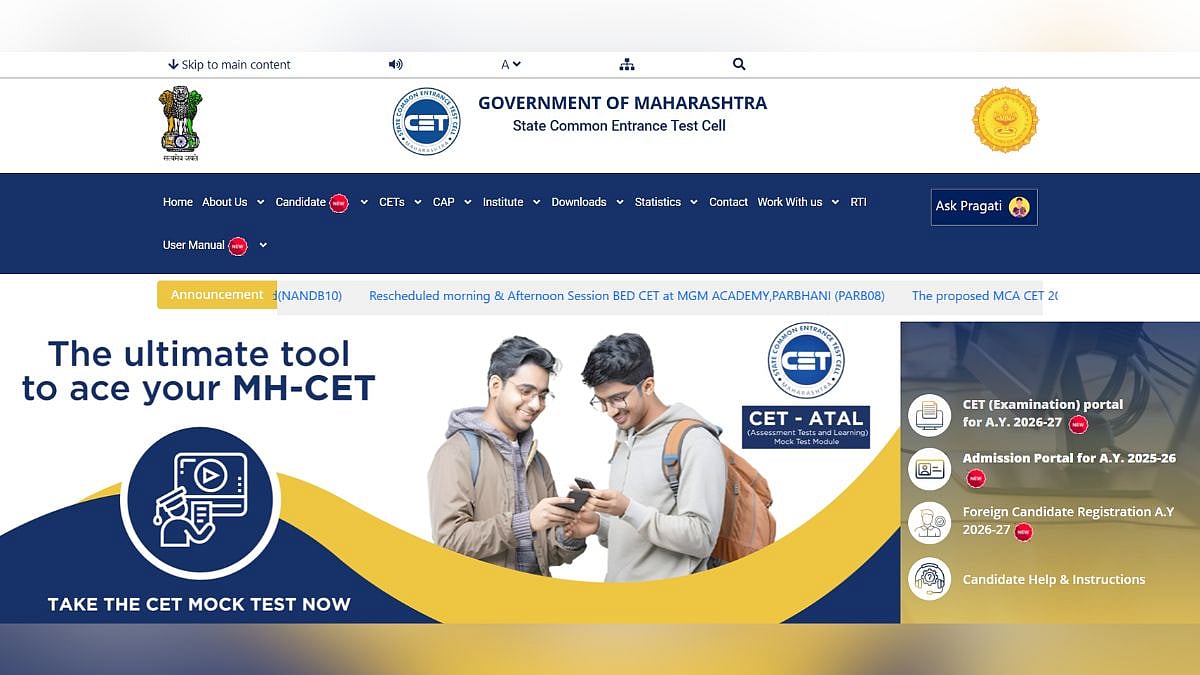
The Maharashtra CET Cell will close up the registration process for the MH-Nursing CET 2026 and MH-DPN/PHN today, April 4, 2026. Candidates can go to the official website and enter their login information to finish the registration process. Applicants should be aware that their application will only be reviewed following a successful payment. Today will also be the last day to finish paying the fee.
MH CET 2026: Important dates
MH-DPN/PHN CET-2026
Online Enrollment and Submission of Applications: March 31 to April 4, 2026
Deadline for Online Fee Payment: March 31–April 4, 2026
Exam date tentatively set for May 5, 2026
MH-NURSING CET-2026
Online Enrollment and Submission of Applications: March 31 to April 4, 2026
Deadline for Online Fee Payment: March 31–April 4, 2026
Exam dates are tentatively set for May 6 and May 7, 2026.
How to apply
To apply for the MH-DPN/PHN 2026 and MH-Nursing CET-2026, candidates can review the steps listed below:
Step 1: Visit cetcell.mahacet.org, the MHT CET's official website.
Step 2: Select the CET Application link from the homepage.
Step 3: Enter the login information needed to register.
Step 4: Next, check your APAAR and Aadhaar IDs at DigiLocker.
Step 5: Enter your email address and password in the MHT CET application form.
Step 6: After that, choose the cities and dates of the exam and upload the required application materials.
Step 7: Print the application and save it for later use.
