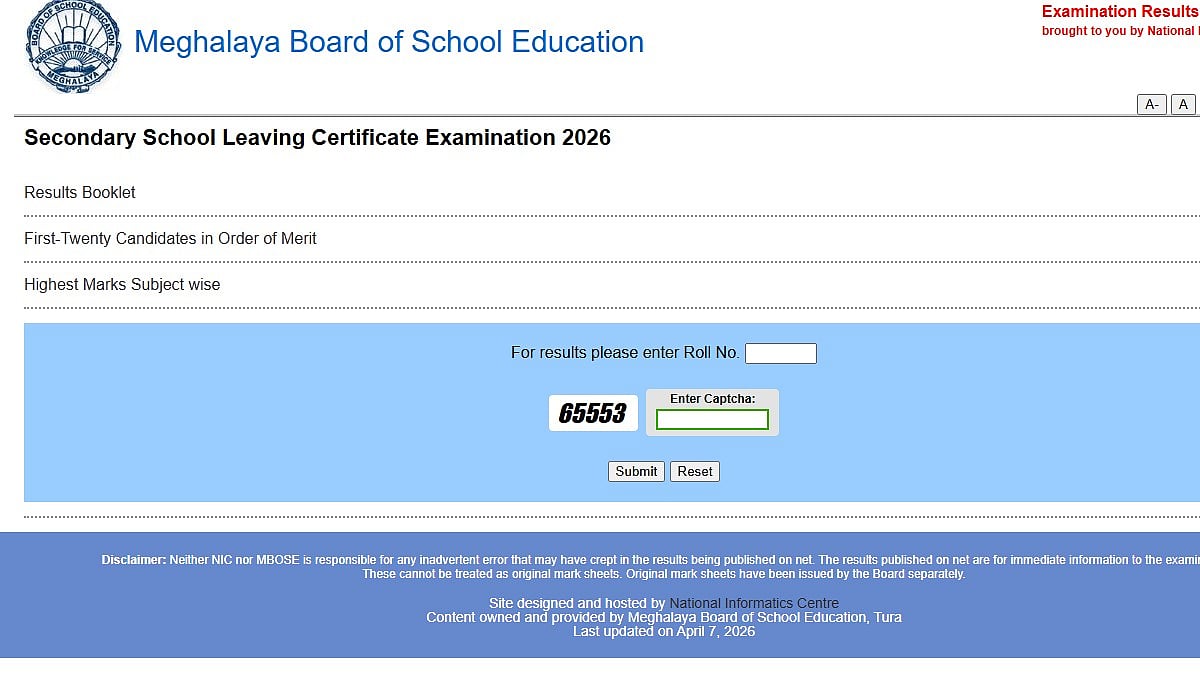
Meghalaya MBOSE SSLC 10th Result 2026: The Meghalaya Board of School Education (MBOSE) has announced the results of the Class 10 board exam. On the official website, megresults.nic.in, students can access the MBOSE Board Class 10 results for 2026.
Meghalaya MBOSE SSLC 10th Result 2026: Exam details
Exam Period: January 20 to February 11, 2026
Shift: Single shift
Timing: 10:00 a.m. to 1:00 p.m.
Duration of Each Paper: 3 hours
Direct link to check the result
Meghalaya MBOSE SSLC 10th Result 2026: Website to check the result
Meghalaya MBOSE SSLC 10th Result 2026: Steps to check the result via SMS
Students can check their results via SMS
Type MBOSE10 followed by your roll number
Send the message to 56263
Meghalaya MBOSE SSLC 10th Result 2026: Steps to check the result online
Step 1: Visit the official website of the Meghalaya Board, megresults.nic.in.
Step 2: Click the "Result" or "Class 10 Result 2026" link on the homepage.
Step 3: Enter your admit card's roll number.
Step 4: Choose Submit once the CAPTCHA verification is complete.
Step 5: Subject-wise grades, overall marks, grade or division, and pass/fail status will all be shown on the screen.
Step 6: Save the outcome for your personal use after downloading it.
Direct link to check the result
Meghalaya MBOSE SSLC 10th Result 2026: Details mentioned on scorecard
Important information including the student's name, roll number, and registration number will be included in the MBOSE SSLC Result 2026 scoreboard. The date of birth, the name of the school, the grades or division, the total number of marks earned, and the marks by topic will also be mentioned. The marksheet will also prominently display the board name (MBOSE) and the result status (pass or fail).

