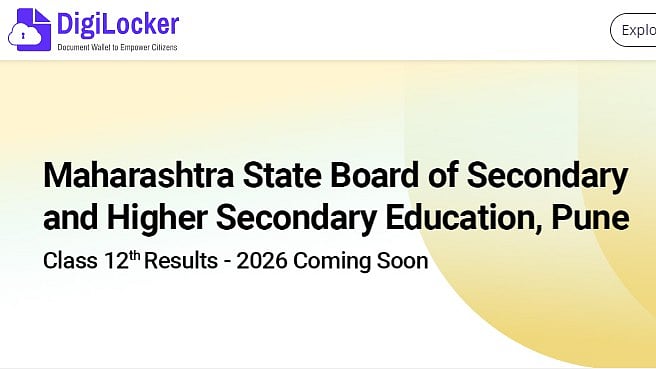
Maharashtra Board HSC Result 2026: The Class 12 results for 2026 will be releasing today at 12 PM by the Maharashtra State Board of Secondary and Higher Secondary Education (MSBSHSE). Students can get their MSBSHSE scorecard by logging in at mahresult.nic.in with their roll number details whenever it is made available.
Accordance with customary protocol, the Board will first reveal the official results via a press statement at 11 AM. The result link will then be activated at 12 PM. The dates of the 2026 MSBSHSE 12th test were February 10–March 11.
When viewing the Maharashtra HSC results 2026, students must have their Maharashtra HSC admit card close at hand. However, there is a chance that the official website would become sluggish or hang because almost 18 lakh students took the test. But we have a variety of alternate means for students to check their Maharashtra HSC results, such SMS and Digilocker.
Maharashtra Board HSC Result 2026: Alternative ways to check the result
- SMS
- Digilocker
- UMAANG
- Third party website
Maharashtra Board HSC Result 2026: Steps to check the result via Digilocker
Additionally, DigiLocker services will provide access to digital marksheets. Students can safely preserve academic documents for later use thanks to this.
Step 1: Go to results.digilocker.gov.in to access the DigiLocker portal.
Step 2: Enter your cellphone number or Aadhaar information to log in.
Step 3: New users must first finish the registration process.
Step 4: Go to the Documents or Education area.
Step 5: Look up the Maharashtra Board HSC 2026 results.
Step 6: Click the available Class 12 results link.
Step 7: Enter the seat number or the necessary login information.
Step 8: Submit and view the digital marksheet
Step 9: Save or download the file for later use.
Maharashtra Board HSC Result 2026: Steps to check the result via SMS
Step 1: Open the messaging app on your mobile phone and start a new SMS
Step 2: In the message box, type MHHSC followed by a space and then enter your hall ticket number correctly
Step 3: Double-check the details to avoid any errors in the hall ticket number
Step 4: Send the message to 57766
Step 5: You will receive your Maharashtra HSC Result 2026 details via SMS on the same number shortly
Maharashtra Board HSC Result 2026: Steps to check the result via UMAANG App
Step 1: Open the UMANG app on your phone
Step 2: Use the search bar to find Maharashtra Board services
Step 3: Tap on the HSC Result 2026 option
Step 4: Enter your required login details carefully
Step 5: Once the result appears, you can view it and download a copy for future use
Details Mentioned on Scorecard
The marksheet will include important details such as the student’s name and roll number, along with marks obtained in each subject. It will also show the total marks, the division or grade achieved, and whether the student has successfully passed the examination.
