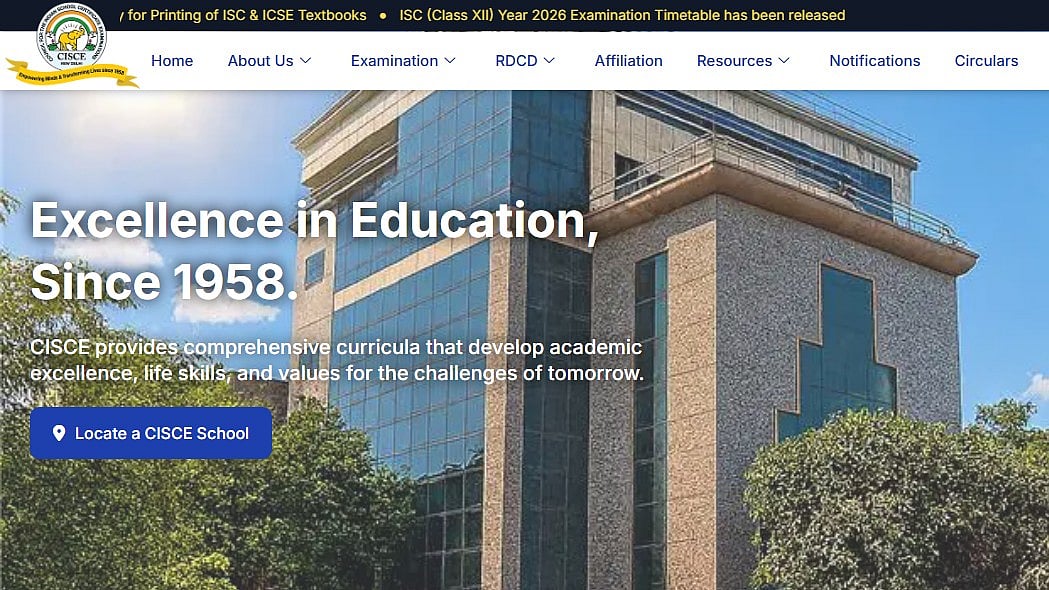
ICSE, ISC Result 2026: ICSE and ISC Results 2026 are anticipated to be released by the Indian School Certificate Examinations (CISCE) in the near future. Results can be found on results.cisce.org and cisce.org. In order to download the results, students must have their unique ID and Index Number on hand.
Subject-specific scores will be included in the digital marksheet. Additionally, the qualifying status will be displayed. Students can download their marksheets via Digilocker in addition to the board's website. They can use SMS to view their results as well.
ICSE, ISC Result 2026: Website to check the result
1. cisce.org
2. results.cisce.org
ICSE, ISC Result 2026: Steps to check the result online
To download the results online from the official portals, follow these steps:
Step 1: Visit the official website of the Board.
Step 2: Choose the link to the ICSE/ISC results.
Step 3: Type in your index number and seven-digit unique ID.
Step 4: Complete the captcha as instructed.
Step 5: The screen will display your scorecard.
Step 6: Check it out and download it.
ICSE, ISC Result 2026: Steps to check the result via Digilocker
Step 1: Open the DigiLocker app or visit its official website
Step 2: Log in using your mobile number/Aadhaar and OTP
Step 3: If you are a new user, complete the registration process
Step 4: Go to the ‘Issued Documents’ section
Step 5: Select the relevant board (e.g., CISCE/CBSE/State Board)
Step 6: Click on the Result/Marksheet 2026 link
Step 7: Enter required details such as roll number and exam year
Step 8: Click on ‘Get Document’
Step 9: Your digital marksheet/result will appear on the screen
Step 10: Download or save it for future reference
ICSE, ISC Result 2026: Steps to check the result via UMAANG app
Step 1: Open the UMANG app on your mobile device.
Step 2: Log in using your existing credentials, or complete the registration process if you are a new user.
Step 3: Use the search bar within the app and type “CISCE” to find the relevant service.
Step 4: From the available options, select “ISC Result 2026.”
Step 5: Enter the required details, such as your roll number and other credentials.
Step 6: Once submitted, your ISC 2026 result will be displayed on the screen for viewing and download.
ICSE, ISC Result 2026: Steps to Check ICSE, ISC Result 2026 via SMS
Open the SMS app on your phone
For ICSE: Type ICSE and send to 09248082883
For ISC: Type ISC and send to 09248082883
Receive your result on mobile via SMS
ICSE, ISC Result 2026: Details mentioned on the marksheet
The ISC Result 2026 will include key details such as the student’s name, unique ID and index number. It will also display subject-wise marks, the total marks obtained, and the final result status indicating whether the student has passed or failed.
