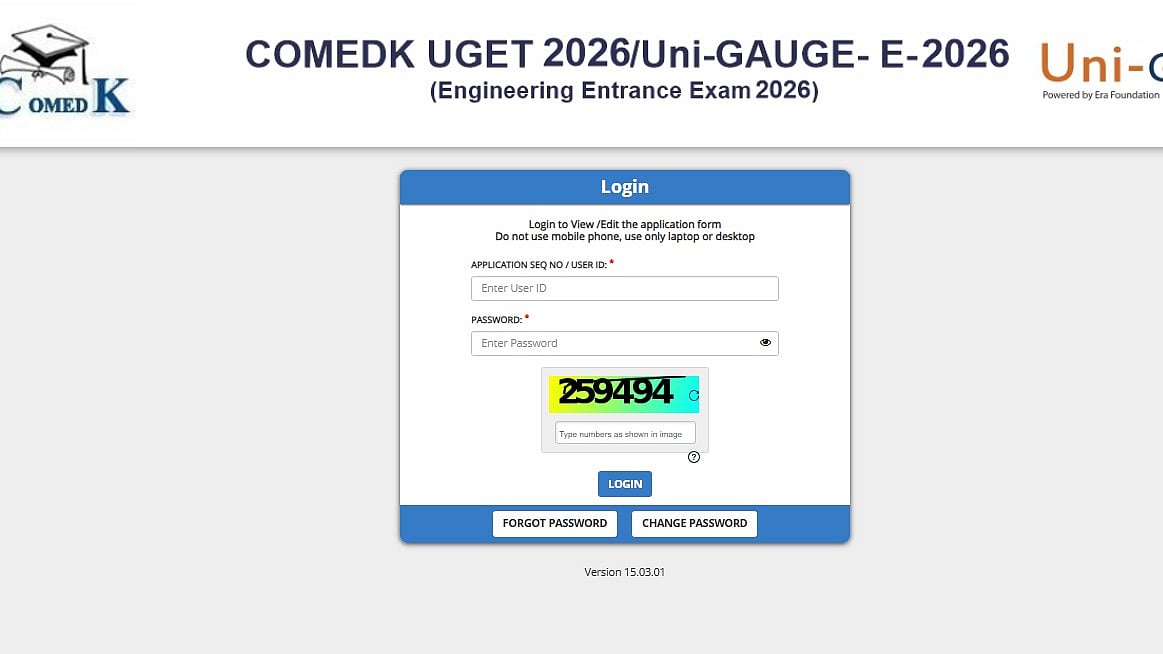
The COMEDK 2026 form correction has begun at comedk.org, according to the Consortium of Medical, Engineering, and Dental Colleges of Karnataka (COMEDK). To access the same, candidates must log onto the candidate portal. The COMEDK 2026 correction window will be activated at comedk.org. Candidates can use their user ID and password to gain access to the facility. Before submitting the updated COMEDK application form, candidates must carefully review the changes. April 13 is the deadline for COMEDK 2026 application corrections.
Important date
Form correction window: April 10 (2 PM) to April 13, 2026 (2 PM)
TAT download: April 29 (2 PM) to May 9, 2026
Exam date: May 9, 2026
Provisional answer key & objection window: May 13, 2026 (12 Noon)
Last date to raise objections: May 15, 2026 (11 AM)
Final answer key: May 20, 2026 (2 PM)
Scorecard release: May 26, 2026 (2 PM)
More Details Can Be Checked Here
Exam time
Morning Shift: 8:30 am – 11:30 am
Afternoon Shift: 1:00 pm – 4:00 pm
Evening Shift: 5:30 pm – 8:30 pm
Editable Fields (Can Be Modified):
Signature and uploaded images
Category details
Academic information
Non-Editable Fields (Cannot Be Changed):
Applicant’s name
Date of birth
Email address
Mobile number
ID proof details
Preferred test centre
Steps to make the correction
The step-by-step process for COMEDK 2026 form correction is given below:
Step 1: Visit the COMEDK official website - comedk.org.
Step 2: On the homepage, select the login tab.
Step 3: Fill in the necessary sections with your password and user ID.
Step 4: Modify the relevant fields.
Step 5: For future reference, examine all the information and submit the COMEDK application form.
