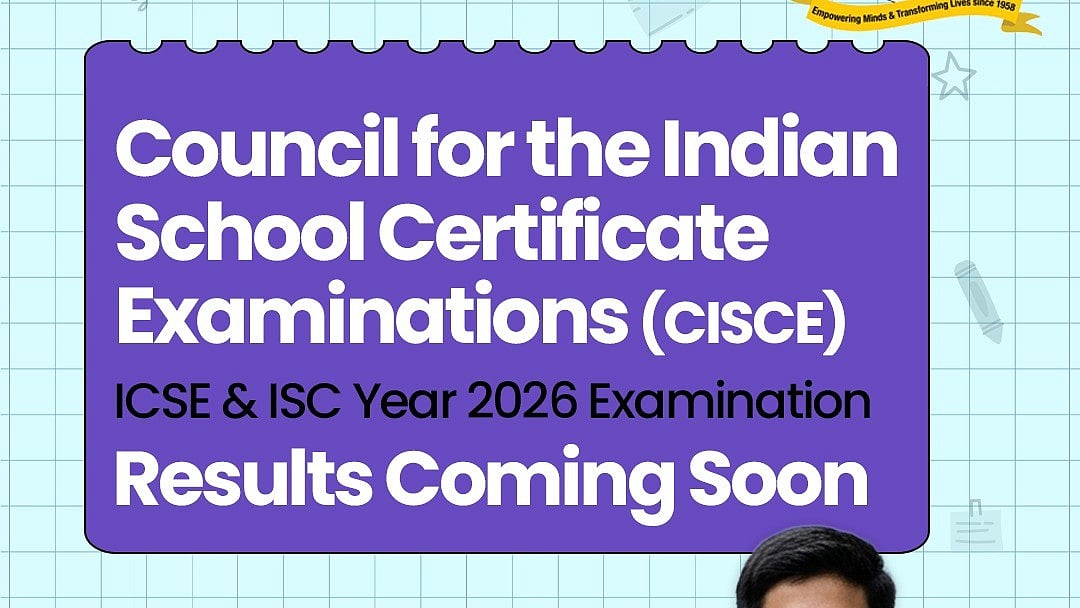
ICSE, ISC Result 2026: The Council for the Indian School Certificate Examinations (CISCE) is preparing to release the ICSE, ISC Results 2026 soon, according to an update by DigiLocker, which states that results are coming soon.
According to the official social media update, Digilocker stated that, “The moment you’ve been waiting for is almost here! Council for the Indian School Certificate Examinations (CISCE), ICSE & ISC 2026 Results will be available soon on DigiLocker. Your hard work deserves a smooth, instant result experience. Get ready to check it anytime, anywhere
According to various media reports, the CISCE results for 2026 are expected on April 30. The ICSE, ISC Results 2026 will all be available on the results. cisce.org. Students must have their UID and Index Number handy when checking their scores.
The board has encouraged students to keep their DigiLocker accounts ready in advance to avoid last-minute inconvenience. With just a few clicks, candidates can view and download their digital marksheets once the results are officially declared.
Students who appeared for the examination will be able to access their marks online through the official board website as well as DigiLocker once the results are declared.
ICSE, ISC Result 2026: Website to check the result
Candidates can check out the following websites to check the results:
cisce.org
results.cisce.org
ICSE, ISC Result 2026: Steps to check the result online
To download the results from the official portals, follow these steps:
Step 1: Visit the Board's official website.
Step 2: Click the link to view the ICSE/ISC results.
Step 3: Enter your index number and seven-digit unique ID.
Step 4: Completing the captcha as instructed.
Step 5: The screen will show your scorecard.
Step 6: Check it out and download it.
ICSE, ISC Result 2026: How to Check the Result via Digilocker
Step 1: Open the DigiLocker app or go to the official website.
Step 2: Log in with your mobile number, Aadhaar, and OTP.
Step 3: If you're a new user, finish the registration process.
Step 4: Visit the 'Issued Documents' section.
Step 5: Choose the appropriate board (e.g., CISCE, CBSE, or State Board).
Step 6: Click on the "Result/Marksheet 2026" link.
Step 7: Enter the required details, such as the roll number and exam year.
Step 8: Click 'Get Document.'
Step 9: Your digital marksheet/result will display on the screen.
Step 10: Download or save for future reference.

