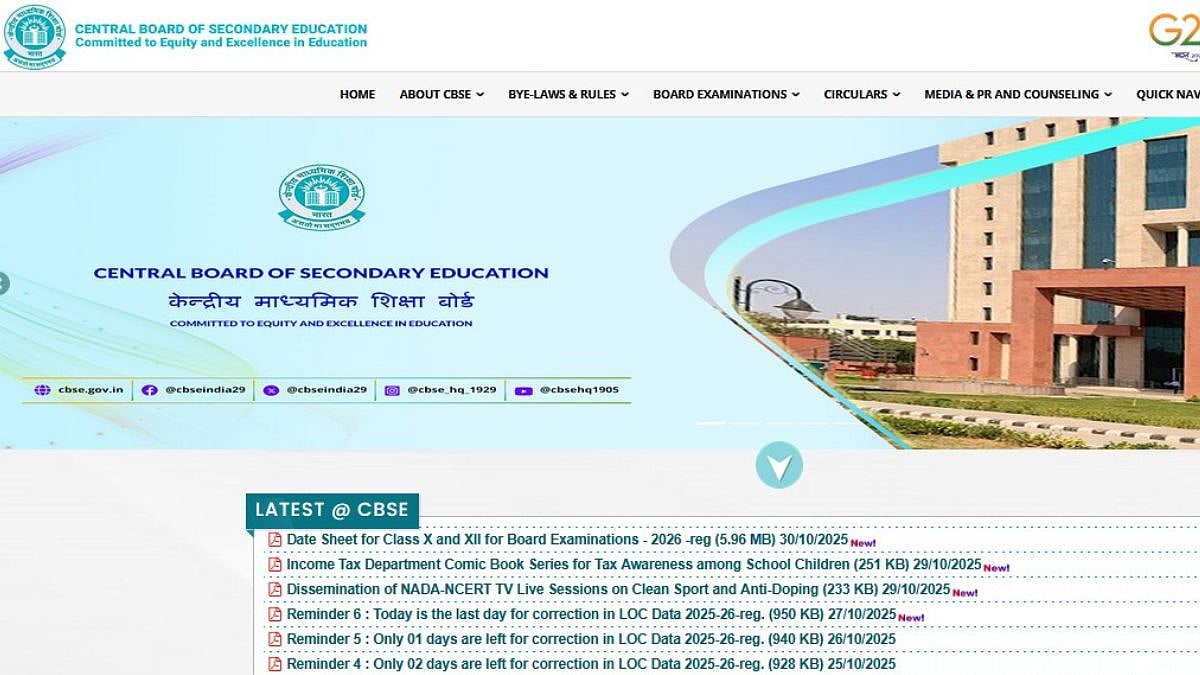
CBSE Class 12 Result 2026: The Central Board of Secondary Education is expected to announce the CBSE 12th results 2026 by April 30, 2026. Students will have access to their marksheets via the internet. Additionally, the CBSE Class 12th result 2026 will be accessible via DigiLocker, Umang App, and SMS. According to Shiksha reports, the Class 12 CBSE result 2026 is expected to be revealed during the final week of April.
After the CBSE 12th result direct link is activated, candidates can use their login information to view their scores. Additionally, pupils will be able to receive digital marksheets without experiencing online slowdowns because to the CBSE result 2026 digilocker feature. Candidates must prepare their roll number and other login information in advance.
CBSE Class 12 Result 2026: Expected Date and Time
Expected result date: By April 30, 2026
Expected result time: 11 AM
CBSE Class 12 exam dates: February 17 to April 10, 2026
CBSE Board Class 12 Result 2026: Website to check the result
results.gov.in
CBSE Class 12 Result 2026: Steps to check the result online
Step 1: Visit the official websites for CBSE results, cbseresults.nic.in, results.cbse.nic.in, or cbse.gov.in.
Step 2: Click the link to get the CBSE Class 12 Result 2026.
Step 3: Enter your admission card ID, roll number, school number, and date of birth.
Step 4: Once the data has been verified, click "Submit."
Step 5: Your CBSE 12th board marksheet 2026 will appear on the screen.
Step 6: Download or print it out for your records.
CBSE Class 12 Result 2026: Steps to check the result via Digilocker
Schools can take the following steps to get and give pupils their DigiLocker PINs:
Step 1: Visit the official website, digitallocker.gov.in.
Step 2: After logging in with your LOC credentials, choose "Login as School."
Step 3: Choose the option to get the PIN file.
Step 4: Select the appropriate class (Class 12).
Step 5: After it has been downloaded, schools should provide each kid their PIN to guarantee security.
Candidates are advised to keep checking official website and Free Press Journal for latest updates.
