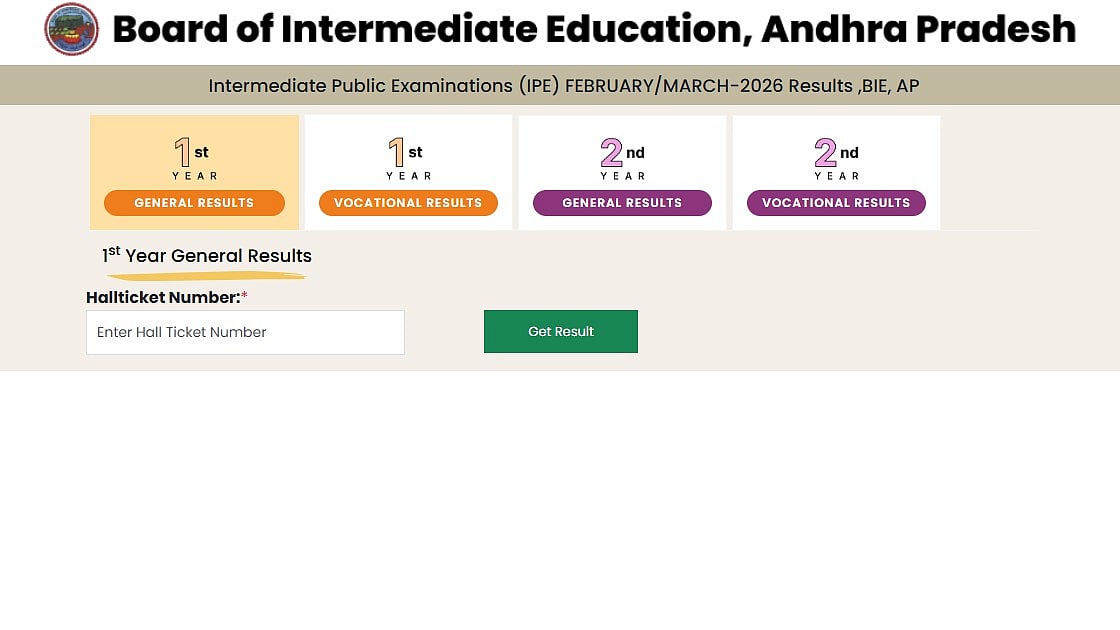
AP Inter First and Second Year Results 2026: The Board of Intermediate Education, Andhra Pradesh has announced the AP Inter first and second year results for 2026 at 10:31 a.m. today. The AP Intermediate response is available to students.
The link to the AP Inter results has been made active on the official websites. Students can download their AP Intermediate marks memos online using their hall pass numbers.
AP Inter 1st & 2nd Year Results 2026: Website to check the result
AP Inter First and Second Year Results 2026: How to use WhatsApp Messenger to view the results
Students can confirm these actions:
Step 1: Launch WhatsApp on your phone and text 9552300009 "Hello."
Select Your Educational Services in Step Two
Choose "Download Exam Results" (Intermediate).
Step 3: Enter the AP Intermediate Hall ticket number.
Step 4: The AP Inter Marks Memo 2026 will be distributed right away.
AP Inter First and Second Year Results 2026: How to view the results online
By following these instructions, students can download their results:
Step 1: Go to the BIEAP website.
Step 2: Click the AP Inter Result 2026 link.
Step 3: Select the first or second year.
Step 4: Enter your hall pass number and date of birth.
Step 5: Input the data
Step 6: Go to the marks memo and download it.
AP Inter First and Second Year Results 2026: How to use Digilocker to view the results
Step 1: Visit digilocker.gov.in or launch the DigiLocker app.
Step 2: To log in, enter your mobile number or Aadhaar details.
Step 3: Find the "Issued Documents" section.
Step 4: Select the Andhra Pradesh Board of Intermediate Education (BIEAP).
Step 5: Choose "AP Intermediate 1st/2nd Year Marksheet 2026."
Step 6: Enter your hall pass number and the required information.
Step 7: Examine and store your grade report for future reference.
AP Inter First and Second Year Results 2026: How to use Mana Mitra to verify the outcome
Step 1: Launch WhatsApp and use the number you saved to start a new chat.
Step 2: Type "Hi" or "Results" into the message box, then click "Send."
Step 3: An automatic reply menu will appear on your screen right away.
Step 4: From the options that appear, select the "Education Services" section.
Step 5: When the chatbot asks for your identity, enter your exact date of birth and hall pass number.
Step 6: As soon as you enter the correct data, a digital copy of your AP Inter 2026 Marks Memo will appear in the chat window.
Step 7: Take a clear screenshot for later use or download the Marks Memo to your phone right away.
