Keep Your Phone Cool This Summer: Apps And Tricks To Prevent Smartphone Overheating
With temperatures across India soaring past 40-degrees in multiple cities, your phone is at serious risk. Here is everything you can do to prevent your smartphone from overheating. We give you app recommendations and some really useful tips to keep your smartphone cool as a cucumber this summer.

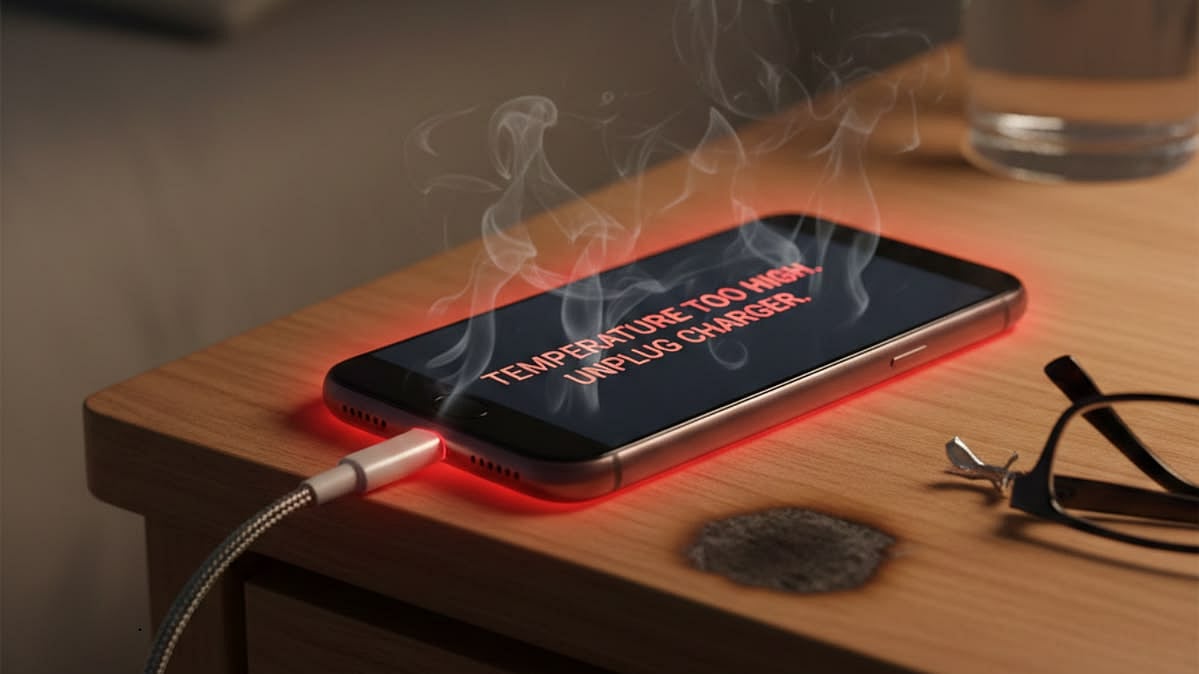
Keep Your Phone Cool This Summer: Apps And Tricks To Prevent Smartphone Overheating |
If you have noticed your phone slowing down, the screen dimming on its own, or the battery draining faster than usual on a hot afternoon, your device is not malfunctioning, it is overheating. And in India, where summers are among the most punishing in the world, this is a problem that gets worse every year.
Apple states that the ideal operating temperature for iPhones is between 16-degrees and 22-degrees. Temperatures above 35-degrees are considered too hot and can cause performance limitations or shutdowns. Android phones follow similar thresholds.
Heavy phone usage with many apps running at the same time, extreme ambient temperatures, and direct sunlight are among the most common triggers for smartphone overheating. Left unchecked, the consequences go beyond discomfort. Prolonged high-temperature exposure can damage your phone's battery, processor, and display.
The good news is that you do not need to buy anything. Here are seven apps and tricks that work to prevent your phone from overheating. These tips work on both Android and iPhone.
1. CPU-Z (for Android users)
CPU-Z is among the best apps on Android for monitoring CPU temperature. It has a dedicated temperature panel that shows CPU temperature, the temperature of various sensors, and detailed system information such as device model, RAM, and storage type. It is lightweight, regularly updated, and entirely free. Search for it directly on the Google Play Store.
2. AIDA64 ( for Android)
AIDA64 is also an Android app that shows you comprehensive information about your device's hardware and software, including CPU temperature of each core, real-time core clock measurement, screen dimensions, battery level and temperature. It is available on Android and includes diagnostics for phones, tablets, smartwatches, and even TVs. The app was last updated in early 2026 and is available for free on the Play Store.
3. AccuBattery (for Android)
AccuBattery is one of the most popular apps for monitoring battery health. It provides information about your battery's charge cycles, capacity, and health percentage. Additionally, it helps you identify which apps are consuming the most power, allowing you to make adjustments. The latest version (2.1.8) was updated in November 2025 and works on Android 7.0 and above. Note that AccuBattery is not available for iPhone in any meaningful capacity, iOS reviews of the app have been poor, as Apple's system restricts the data third-party apps can access.
4. Thermal Monitor (for Android)
This app automatically manages overheating by tracking phone temperature and alerts you so you can take action, whether by adjusting settings, closing apps, or stepping into a cooler environment. It has a 4.4-star rating on the Play Store with over 3,600 reviews and works quietly in the background without being a battery drain itself.
5. Thermal Status (for iPhone)
This app is free to download and essentially helps with real-time thermal monitoring. It has a dedicated home screen widget that displays all information, offers instant alerts during intense gaming sessions, and provides current status of the phone. It is completely free to download from the App Store, but you will have to pay a premium of Rs. 199 for the widget feature.
6. Thermomator (for iPhone)
This app also tracks your iPhones thermal performance. It logs your activities so you know what really causes your phone to heat up versus what doesn't. The dashboard offers detailed information and gives users informative hints if the phone starts heating up.
Tricks that help your phone from overheating
1. Remove your case when charging (or when it gets hot)
Phone cases, especially thick or non-breathable ones, trap heat. If your phone starts to feel warm, remove the protective case to allow better airflow. This applies doubly when your phone is on charge, since charging already generates its own heat. The colour of your phone case also plays a role, dark phone cases tend to absorb more heat than light-coloured ones.
2. Turn off features you are not actively using
Many of the features on your phone, such as Wi-Fi, Bluetooth, and GPS, contribute to overheating. If you are not using these features, turning them off reduces the workload on your phone's CPU, which can prevent heat buildup. On both Android and iPhone, a quick visit to the Control Centre or Quick Settings panel lets you disable these in seconds. If your phone has already overheated, switching on Airplane Mode is the fastest way to drop its temperature without turning it off completely.
3. Stop using your phone while it is charging
Using your phone while it is charging can cause it to overheat, as the charging process itself generates heat. If you need to use your phone while it is charging, try to keep it in a cool, air-conditioned area. In Indian homes without AC, placing the phone on a hard, flat surface (not a bed or sofa, which insulate heat) while charging helps dissipate heat more efficiently. Non-branded or cheap chargers and cables can supply inconsistent voltage, causing excess heat and damaging your phone's internal components, always use the original or a certified charger.
4. Keep your phone away from direct sunlight
One of the simplest ways to prevent phone overheating is to keep your device away from heat sources. Direct sunlight raises internal temperature quickly and can damage the battery. In Indian summers, this means keeping your phone in your bag rather than your pocket, never leaving it on a vehicle dashboard, and avoiding use outdoors during peak afternoon hours when ambient temperatures are highest.
5. Make sure you are on the latest software update
Updates often contain performance and battery improvements specifically designed to address overheating issues, so keeping your software current matters more than it might seem.
RECENT STORIES
-
-
-
-
-