PSEB 10th, 12th Result Date 2026: Punjab Board Class 10 Result On May 11, Class 12 On May 13
The Punjab School Education Board (PSEB) has announced that the Class 10 result 2026 will be declared on May 11 at 12:30 PM, while the Class 12 result will be released on May 13. Students can check their results on the official website, Punjab results portal, or DigiLocker using their roll number and download the marksheet online.

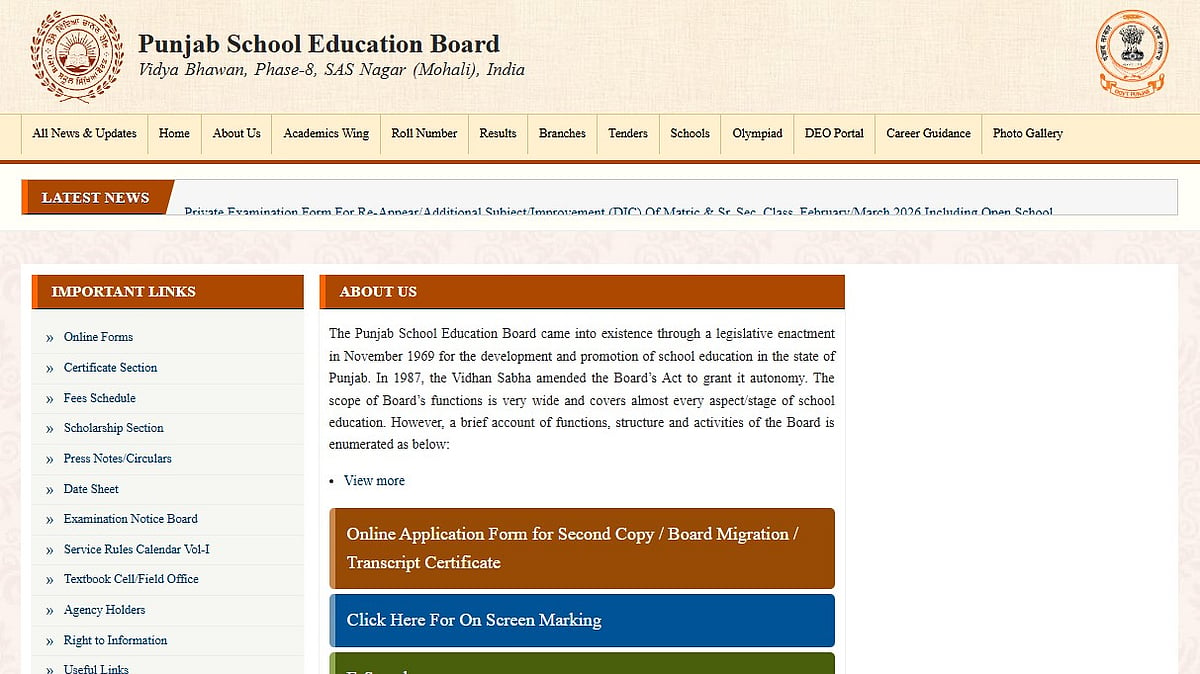
Punjab Board Class 10th,12th Result 2026: The Punjab School Education Board (PSEB) has announced the result dates for Class 10 and 12 examinations 2026. As per the official schedule, the Class 10 (Matric) result will be declared on May 11, 2026 at 12:30 PM., while the Class 12 (Intermediate) result is scheduled for May 13, 2026.
Both results will be released online after a press conference by the board, and students will be able to check their mark sheets using their roll number on the official website and DigiLocker.
Punjab Board Class 10th,12th Result 2026: Where to Check PSEB Result 2026
Students who appeared for the examination can check their results on the following official platforms:
PSEB official website
Punjab India results portal
DigiLocker
To access the marksheet, students will need their roll number.
Punjab Board Class 10th,12th Result 2026: How to Check PSEB Class 10 & 12 Result 2026 Online
Step 1: Visit the official PSEB website
Step 2: Click on the “Results” section
Step 3: Select the Class 10 Result 2026 or Class 12 Result 2026 link
Step 4: Enter your roll number and required details
Step 5: Click on Submit
Step 6: The result will appear on the screen
Step 7: Download and save the marksheet
Punjab Board Class 10th,12th Result 2026: How to Download PSEB Result via DigiLocker
Step 1: Open the DigiLocker app or visit digilocker.gov.in
Step 2: Sign in using your mobile number or Aadhaar OTP
Step 3: Go to the “Issued Documents” section
Step 4: Select Punjab School Education Board (PSEB)
Step 5: Choose the Class 10 or Class 12 marksheet
Step 6: Enter roll number and required details
Step 7: Click on “Get Document”
Step 8: Download and save the digital marksheet for future use
Punjab Board Class 10th,12th Result 2026: Details on Marksheet
Student’s name
Roll number
Subject-wise marks
Total marks
Division
Qualifying status
Students are advised to carefully verify all details after downloading their provisional scorecards.
Candidates are advised to keep their admit cards ready while checking results to avoid last-minute issues once the result link goes live.
Published on: Saturday, May 09, 2026, 11:34 AM ISTRECENT STORIES
-
-
-
-
-