AIIMS NORCET 10 Correction Window 2026 Closes Today At 5 PM; Here’s What Candidates Must Know About Editable, Non-Editable Fields
AIIMS NORCET 10 correction window 2026 closes today at 5 PM. Candidates can edit limited fields like images and documents if their application is marked deficient. Check key dates, exam schedule, and correction guidelines.

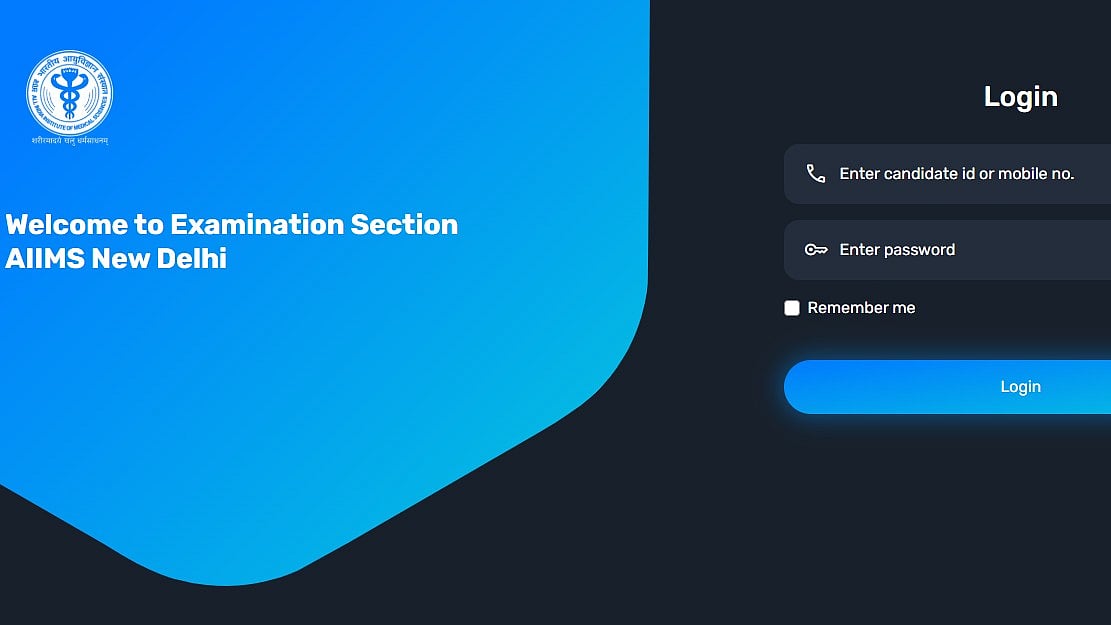
AIIMS NORCET 10th Correction Window 2026: Today, February 27, 2026, is the last day of the AIIMS NORCET 10th 2026 correction window. Candidates want to modify the Common Eligibility Test for Nursing Officer Recruitment (NORCET-10) Applications must be submitted by 5:00 PM.
According to the official notification, the reason will only be available during the specified dates for applicants who need to have their registration status corrected. Candidates should be aware that any additional correspondence regarding this matter will not be accepted. Reservation categories cannot be altered once registration payments have been paid. The application will be rejected if false information is discovered throughout the hiring process.
Direct link to check the official notification
AIIMS NORCET 10th Correction Window 2026: Important Dates
Registration Status & Correction Window: March 25 to March 27, 2026 (till 5:00 PM)
Exam City Intimation: April 4, 2026
Admit Card Release: April 8, 2026
Stage I (CBT Exam): April 11, 2026
Stage II Exam: April 30, 2026
AIIMS NORCET 10th Correction Window 2026: Exam Dates
City Intimation Slip: April 4, 2026
Admit Card Release: April 8, 2026
Stage 1 (Prelims Exam): April 11, 2026
Prelims Result: April 16, 2026
Stage 2 (Mains Exam): April 30, 2026
Mains Result: May 11, 2026
AIIMS NORCET 10th Correction Window 2026: Editable and Non-editable field
Non-Editable (Changes Not Allowed):
Reservation Category: Cannot be changed after fee payment (no switch between SC/ST/OBC/EWS and UR)
Registration ID (OTR): Must use the same ID used during registration; creating a new one may lead to disqualification
Mode of Correction: Edits are accepted only via the official portal; no email, post, or offline requests allowed
Editable (Changes Allowed):
(Only if application status shows “Deficient” or “Rejected”)
Photograph: Can be re-uploaded as per required size and format
Signature: Re-upload allowed if unclear or incorrect
Thumb Impression: Can be corrected and uploaded again
Supporting Documents: Re-upload valid documents if flagged (e.g., NOC for government employees)
Guideline Compliance: All corrections must follow instructions mentioned in the application status portal
AIIMS NORCET 10th Correction Window 2026: Steps to check make the edit
Step 1: Go to aiimsexams.ac.in, the official website.
Step 2: Go to the "Login" area and enter your Candidate ID, Password, and Captcha.
Step 3: For NORCET 10, click the "Correction Window" link.
Step 4: Make changes to the necessary fields (e.g., qualification details, personal information, or image revisions).
Step 5: Once you've made the required changes, click "Submit."
Step 6: For your records, print the amended and completed application form.
For more information, candidates are advised to checking official website.
RECENT STORIES
-
-
-
-
-