Google Pixel Update: Sudden Emergency Hotfix Rolled Out, Irons Out Battery Drain Issues
Google Pixel update primarily brings three key bug fixes - a battery drain fix that addresses faster-than-normal battery depletion experienced by some users. It also improves touch responsiveness by correcting intermittent touch failures, particularly noted on the Pixel 10 series where the screen occasionally becomes unresponsive.

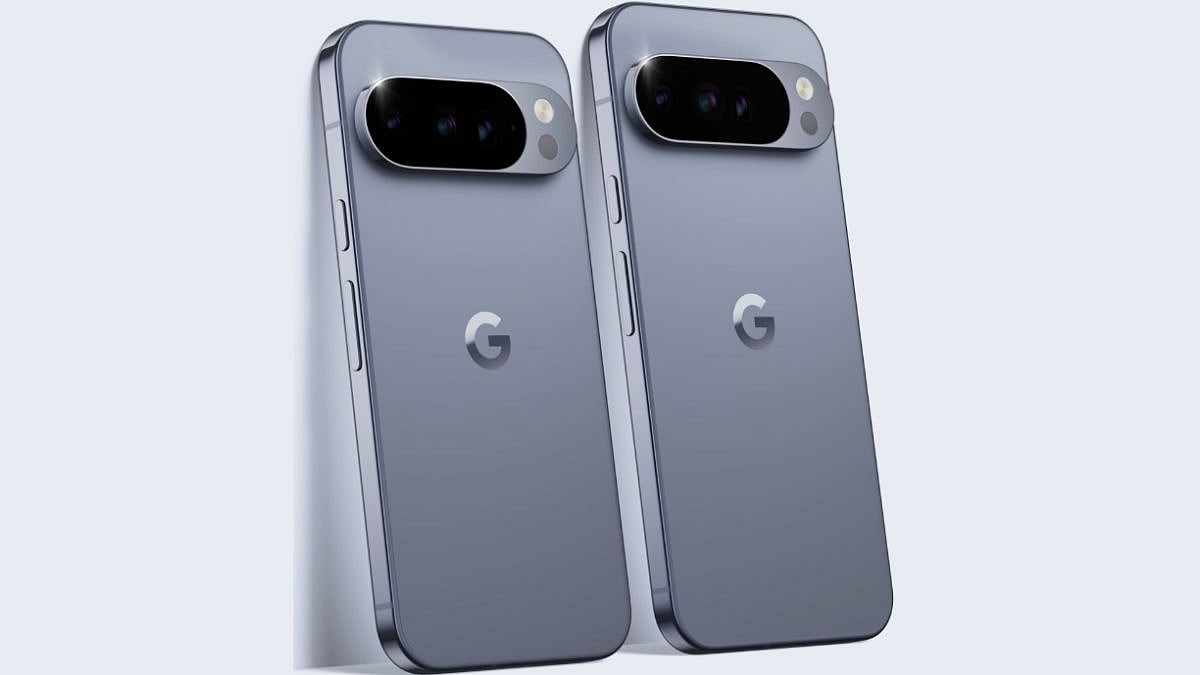
Pixel 10 Pro and the Pixel 10 Pro XL | Google Store
A new Google Pixel update is rolling out unexpectedly, over-the-air (OTA) for select smartphones. This hotfix follows the larger Android 16 QPR2 release earlier in the month and addresses specific post-update issues reported by users. It is important to install this patch, and users must update their devices as soon as they receive it.
The latest Google Pixel update comes with the build number BP4A.251205.006.E1 and is approximately 25MB in size. It is rolling out gradually for all users, so it may be a few days before it hits your device. Keep checking for the update in the Settings menu.
Google Pixel update primarily brings three key bug fixes - a battery drain fix that addresses faster-than-normal battery depletion experienced by some users. It also improves touch responsiveness by correcting intermittent touch failures, particularly noted on the Pixel 10 series where the screen occasionally becomes unresponsive.
The update also resolves issues with accessing locally stored offline content, such as downloaded media or maps, especially for devices upgraded directly from Android 14 or earlier to Android 16.
Which Pixel devices are getting the new Google update?
The patch is targeted at recent models:
- Pixel 8 series
- Pixel 9 series
- Pixel 10 series
Older devices, such as the Pixel 6 or 7 series, do not appear to be receiving this update.
How to install the new Google Pixel update:
Follow th below steps to check for and install the update:
1. Open Settings on your compatible Pixel device.
2. Navigate to System > System update.
3. Tap Check for update.
If available, the patch will download automatically over Wi-Fi and prompt for installation. The process typically requires a restart and takes only a few minutes due to the small file size.
Before installing the latest Google Pixewl update, ensure that you backup your data, and ensure that you are in a stable connection.
RECENT STORIES
-
-
-
-
-