Apple Pay Launched In India With Axis Bank Credit Cards: Here's How To Use It
Apple has launched Apple Pay in India after years of delays, initially supporting Axis Bank-issued Visa and Mastercard credit cards. The service allows contactless payments through iPhone and Apple Watch, but does not support UPI, RuPay or debit cards at launch. Apple said users can add cards through Wallet or the Axis Bank app.

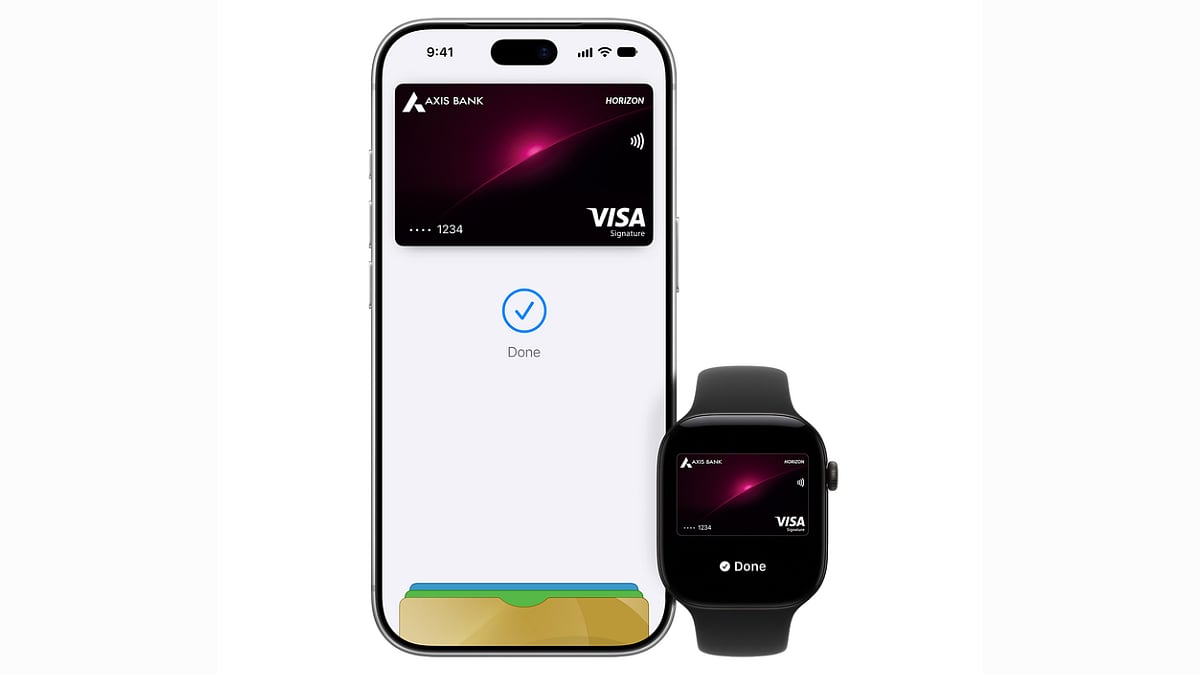
After years of waiting, Apple Pay has finally launched in India. The tech giant has partnered with Axis Bank initially to roll out its services. Apple Pay has been available in other parts of the world since many years, but its India has been delayed due to regulatory or pricing hurdles. Apple's senior vice president Greg Joswiak announced the launch on X with the words 'Say hello to Apple Pay in India!'
Apple Pay has reached India about twelve years after its US debut. An RBI rule barring biometric authentication for card payments held it back until the rule was changed in 2025.
Who can use Apple Pay in India?
At launch, Apple Pay works with Axis Bank-issued Visa and Mastercard credit cards. RuPay is not supported, and neither are debit cards. It also has no UPI support, and UPI handles about 84 percent of India's digital payments. Reports say HDFC Bank, ICICI Bank and SBI Card are not part of the launch. Apple says card support depends on the bank, the issuer and the individual card, so customers should check with their issuer if a card cannot be added.
Which devices work?
Apple Pay is available on iPhone, iPad and Apple Watch, and Mac support is coming soon. Apple Pay reportedly needs an iPhone XR or later running iOS 18 or later.
How to set up Apple Pay?
1. Open the Wallet app on your iPhone and tap the add-card button.
2. Hold your card near the iPhone, or choose to enter the details manually, and follow the instructions.
3. Your bank may ask you to verify your details before approving the card.
4. Alternatively, add the card from the latest version of the Axis Bank app.
How to make payments using Apple Pay?
In stores, double-click the side or Home button, authenticate with Face ID, Touch ID or your passcode if prompted, and hold your iPhone or Apple Watch near a contactless reader. Online and in apps, pick Apple Pay at checkout and authenticate on your device.
Apple says merchants never see your actual card number, and that it is not stored on Apple's servers. Each payment uses a device-specific number with transaction-specific security information. Apple does not charge users a fee, though card issuers may have their own charges.
Where will Apple Pay work?
Apple says it worked with payment providers including Cashfree, JusPay, Mswipe, Paytm, PayU, Pine Labs, Razorpay and Worldline to bring Apple Pay to their merchant networks. Early acceptance may be uneven, as a card may work at one terminal and fail at another if the merchant's bank has not switched Apple Pay on.
RECENT STORIES
-
-
-
-
-