Is It Safe To Enter Your Vehicle Number On A Challan Website? What To Check First
Checking vehicle challans online is generally safe when using genuine platforms, but fake challan SMS messages and websites can steal banking details or install malicious apps. Verify notices on the official Parivahan portal, avoid suspicious links and follow safe payment practices.

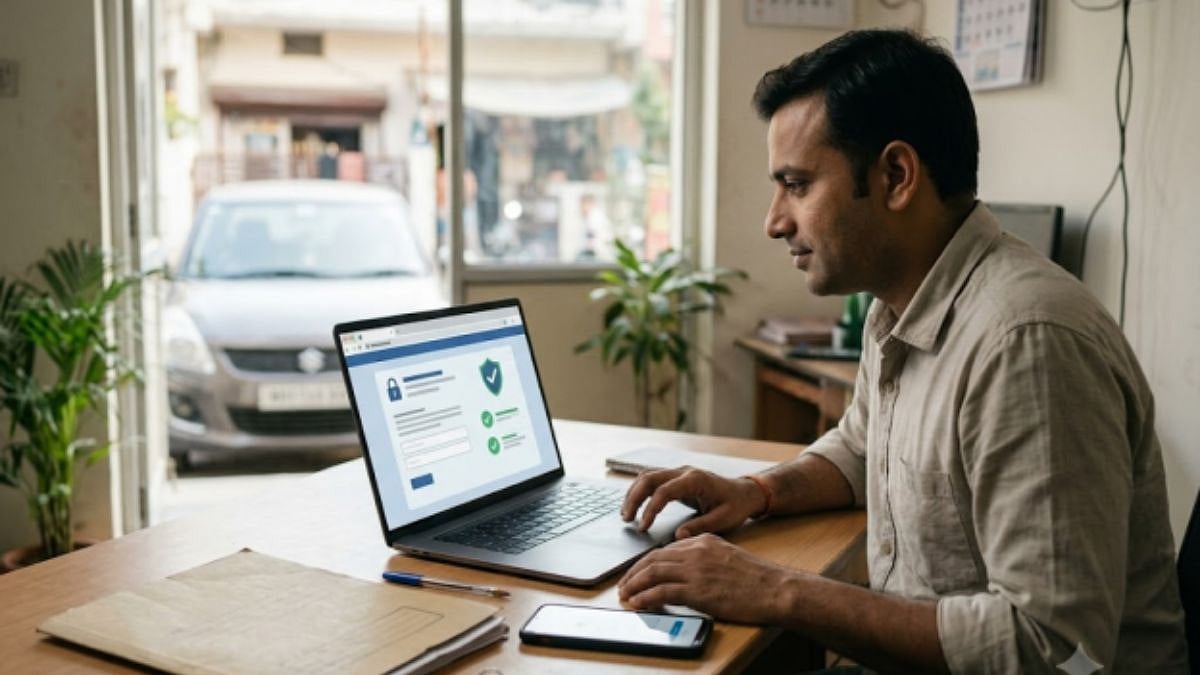
Is It Safe To Enter Your Vehicle Number On A Challan Website? What To Check First | File photo
You open a website, type your vehicle number and hope for a short, honest answer. It is a small step, yet many owners hesitate, and with good reason, because fake challan messages and websites have become common. The truth is that entering your number on a genuine site carries little risk. The danger comes from sites that ask for more, or that are not what they pretend to be.
Here is how to tell the difference.
What Your Vehicle Number Gives Away
Your number plate is printed on your car for everyone on the road to read. A site that asks only for that number learns very little that is not already visible. The records it shows, such as pending challans, belong to the vehicle, and you are entitled to look at them. The risk begins when a site asks for something else, or sends you somewhere else.
What a Real Challan Check Asks For
A genuine check needs only your vehicle number, a challan number or a driving licence number. The official portal may also send an OTP to the mobile number registered with the vehicle, to confirm that it is you. Showing a challan never needs your card PIN, UPI PIN, CVV or bank password, and it never needs a document upload. If a site asks for any of these before it shows you a single challan, leave.
How Fake Challan Messages and Sites Work
Because plates are visible to everyone, scammers can quote a real vehicle number in a fake message to make it look genuine. They also copy the look of the official portal. A message arrives by SMS or WhatsApp saying a challan is pending and must be paid quickly, or the fine will grow. The link opens a lookalike website that collects your card details, or it downloads a file, often called an APK, dressed up as the official mParivahan app. Police in several states have warned that such files can reach bank and personal details on your phone. A real notice never asks you to install anything.
Six Checks to Make Before You Type Anything
• Type the address yourself. The official portal is echallan.parivahan.gov.in, and Indian government websites end in gov.in.
• Skip the link in the message, whoever it seems to come from, and go to the portal directly.
• Look for your vehicle number, a challan number, the date and the place in the message. A real notice has them, and a vague one with only a link does not. Treat these as a minimum, since a scammer can copy a visible plate, and still confirm on the portal.
• Be wary of urgency, threats of arrest or licence suspension, and requests to install an app.
• Download mParivahan only from the official app stores.
• Be careful with sponsored search results, and reach the portal by typing its address.
Safe Payment Habits
Pay only on the official portal, on the website of the issuing authority, or on a platform you have checked. Read the web address before you enter card or UPI details. Share an OTP, PIN or CVV with nobody, and approve only the payments you started yourself. Check that the amount on the payment screen matches the amount on your challan.
After paying, keep the receipt and the transaction number. Government portals can take a little time to update, so check the status again after a few days.
What to Look for in a Challan Platform
If you use a platform other than the official portal, look for a basic check that needs only a vehicle number and no account, a clear policy on how your data is used, secure payment gateways, status tracking and a clear refund policy. It should also show you the challan details before it asks for any payment.
The Cars24 challan check works this way. A basic check needs only the vehicle number. Under its intended purpose policy, your mobile number and vehicle details are used to verify and fetch records, and are not shared for marketing. Payments go through secure payment gateways with card and UPI details tokenised. You can follow the status in My Orders, and if settlement fails, the payment is refunded in full. Cars24 also describes a convenience fee for fetching and facilitating the payment, so it is worth reading what you will pay before you confirm.
What to Do If You Already Clicked or Paid
If you only clicked and entered nothing, close the page and carry on. If you entered card details, call your bank at once to block the card, then call 1930, the national cyber crime helpline, and report it at cybercrime.gov.in. If you installed an app from a link, uninstall it, change your banking and email passwords, and ask your bank to watch the account. Keep screenshots of the message, the link and any payment details, because your bank and the cyber crime portal will ask for them.
Then check your real challans on the official portal. A few seconds of checking before you type is the safest habit you can build.
RECENT STORIES
-
-
-
-
-