JEE Main 2026 Scorecards Now Available On DigiLocker; Here's How To Access Them
JEE Main 2026 Session 2 scorecards are now available on DigiLocker, offering students an alternative way to access results without relying solely on the NTA website. Over 11 lakh candidates can download their scorecards easily via the DigiLocker app or website by logging in with their credentials or registering using Aadhaar.

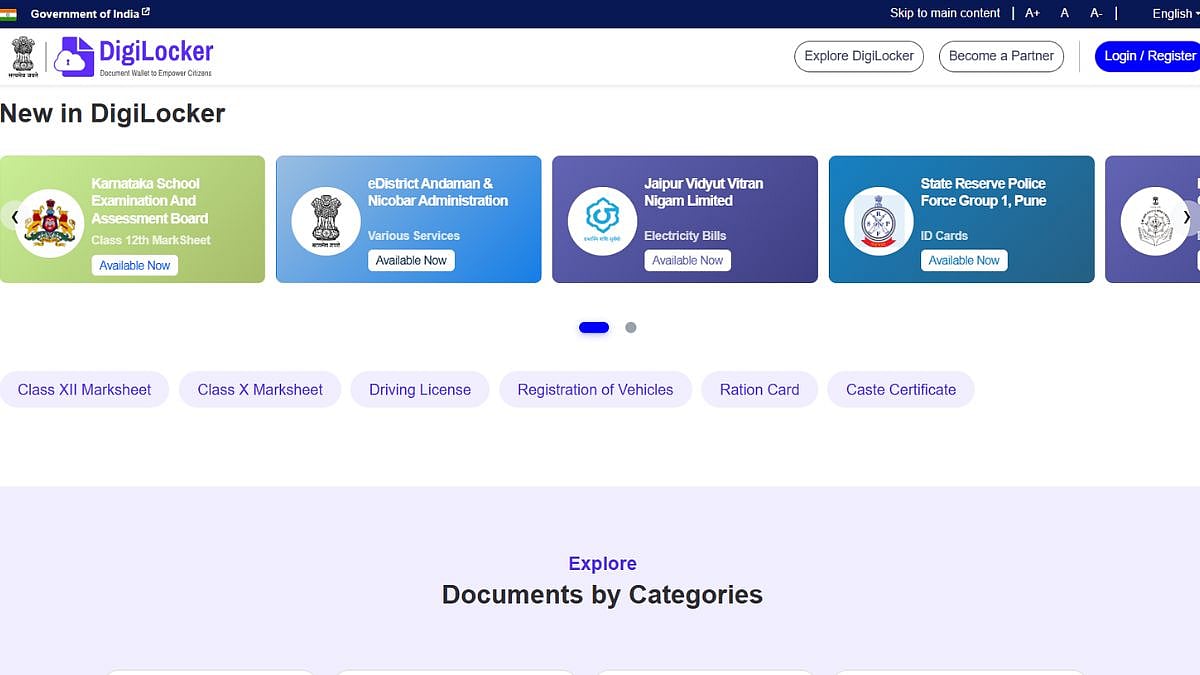
JEE Main 2026 Scorecards Now Available On DigiLocker; Here's How To Access Them | Website: https://www.digilocker.gov.in/
JEE Main 2026 Scorecard: The National Testing Agency (NTA) announced the results for JEE Main 2026 Session 2 on April 20 at jeemain.nta.nic.in. Following the declaration, the NTA has declared that the scorecards are now available on DigiLocker. In addition to the official portal, over 11 lakh BTech aspirants can also access their April session scores via the DigiLocker website and mobile app.
DigiLocker serves as an alternative platform for checking results, especially if the official NTA website experiences heavy traffic.
How To Check JEE Main 2026 Results Through DigiLocker:
Candidates who are already registered on DigiLocker can easily view their scorecards using their 6-digit security PIN. Those who are not registered can follow the steps below:
ALSO READ
Step 1: Visit the official DigiLocker website or open the mobile app.
Step 2: Navigate to the “Issued Documents” section or use the search feature.
Step 3: Search for “JEE Main” or “National Testing Agency (NTA)”.
Step 4: Select the relevant document, such as the scorecard, rank card, or NTA result for Session 2 (2026).
Step 5: Log in using your application number, date of birth, and name.
Step 6: Accept the consent terms and download the document as a PDF.
Step 7: Your JEE Main 2026 Session 2 scorecard will then be displayed.
Candidates without a DigiLocker account can sign up using their Aadhaar number and OTP verification. After registration, they must create a 6-digit security PIN to activate their account.
RECENT STORIES
-
-
-
-
-