JEE Advanced 2026 Objection Window Closes Today; Raise Objections Until 5 PM
IIT Roorkee will close the JEE Advanced 2026 answer key objection window today, May 26, at 5 PM. Candidates can challenge the provisional answer key through the official portal by submitting valid supporting documents before the deadline.

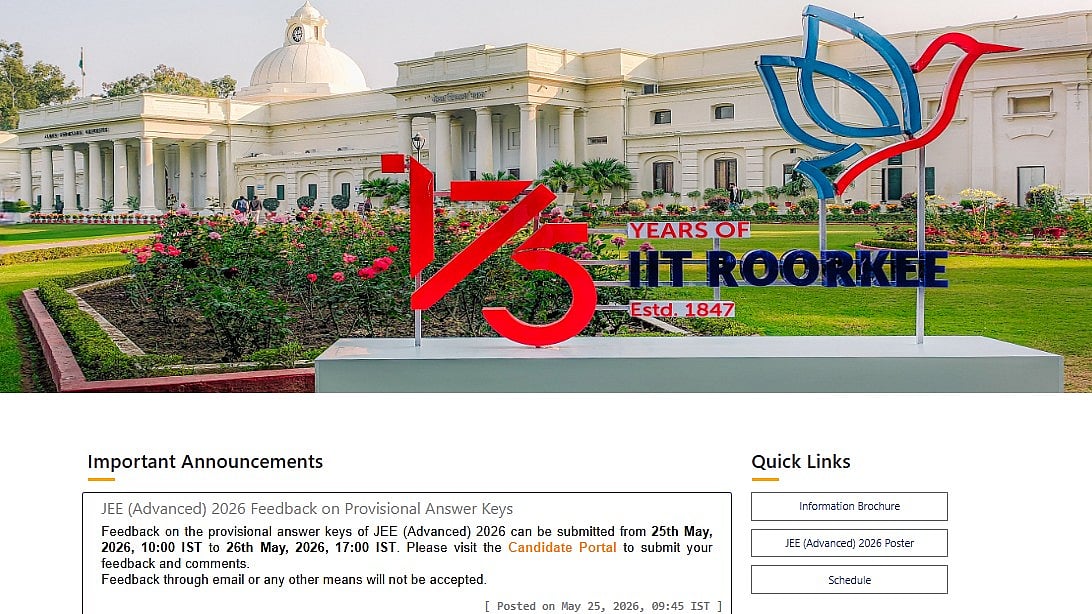
JEE Advanced 2026 Answer Key Objection Window: The Indian Institute of Technology (IIT) Roorkee will close the objection window for the JEE Advanced 2026 provisional answer key today, May 26, 2026, at 5 PM. The candidates who appeared for the examination and want to challenge any answer in the provisional answer key can do so through the official website jeeadv.ac.in.
Candidates’ response sheets were released on May 21, while the provisional answer key of JEE Advanced 2026 was released on May 25. Aspirants can check the answer key and raise objections online by submitting valid supporting documents before the deadline.
Subject experts will review all challenges submitted by candidates. “The final answer key will be released by IIT Roorkee on the basis of the review,” it stated. The final answer key and JEE Advanced 2026 result will be declared on June 1, 2026 at 10 AM.
Direct link to raise objection
Direct link to download the provisional answer key paper 1
Direct link to download the provisional answer key paper 2
JEE Advanced 2026 Answer Key Objection Window: Important Dates
Response Sheet Release: May 21, 2026
Provisional Answer Key Release: May 25, 2026
Objection Window Closes: May 26, 2026, at 5 PM
Final Answer Key Release: June 1, 2026
Result Declaration: June 1, 2026, at 10 AM
JoSAA Counselling Expected to Begin: June 2, 2026, at 5 PM
JEE Advanced 2026 Answer Key Objection Window: How To Raise Objections
Step 1: Go to the official website at cportal.jeeadv.ac.in
Step 2: Click on the "Answer Key Objection" link available on the homepage.
Step 3: Log in using your application number and other required credentials.
Step 4: Select the question(s) you wish to challenge.
Step 5: Upload supporting documents or references in support of your objection.
Step 6: Pay the prescribed objection fee, if applicable.
Step 7: Submit the objection and save a copy of the confirmation page for future reference.
Candidates are advised to complete the objection process before 5 PM today. No challenges will be entertained after the deadline.
Direct link to raise objection
JEE Advanced 2026 Answer Key Objection Window: Steps to download the answer key
Step 1: Go to the official website of JEE Advanced at jeeadv.ac.in.
Step 2: Click on the link to the 2026 JEE Advanced provisional answer key.
Step 3: Select Paper 1 or Paper 2
Step 4: The JEE Advanced 2026 answer key will appear on the screen.
Step 5: Save a copy of the answer key
Direct link to download the provisional answer key paper 1
Direct link to download the provisional answer key paper 2
RECENT STORIES
-
-
-
-
-