CBSE Class 12 Result 2026: Alternative Ways To Check Results Via IVRS, SMS And UMANG
CBSE Class 12 Result 2026 is expected to be announced anytime soon by the Central Board of Secondary Education on its official website, results. cbse.nic.in. As a result, websites often face heavy traffic immediately after the announcement. In such cases, CBSE offers alternative methods to access results, including the UMANG app, SMS, and the Interactive Voice Response System (IVRS).

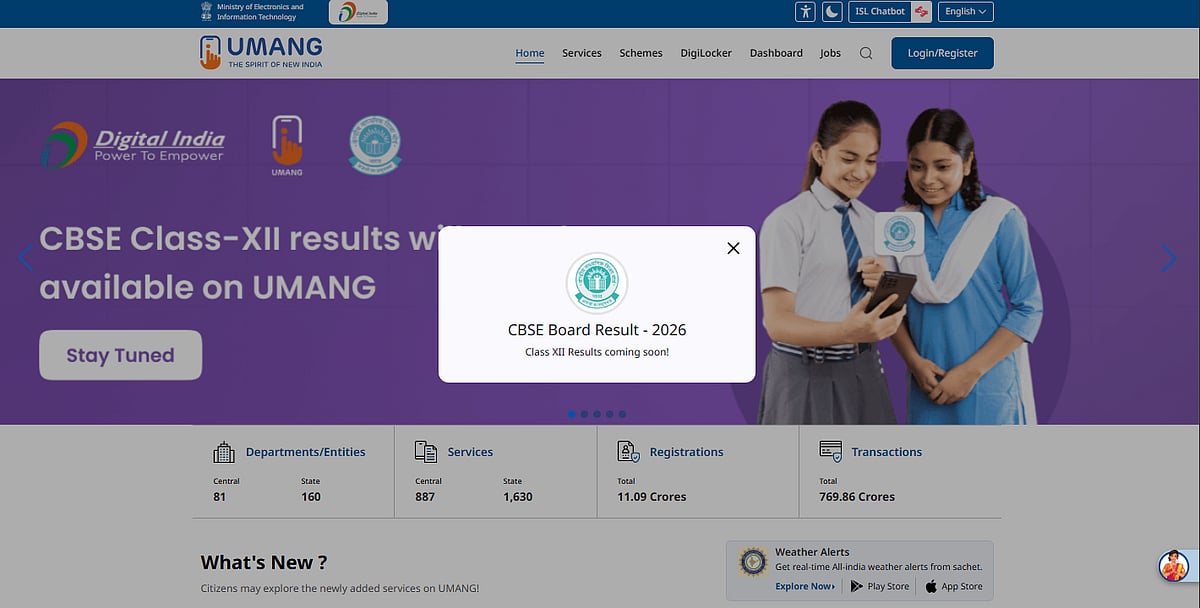
CBSE Class 12 Result 2026: The Central Board of Secondary Education is likely to announce the CBSE Class 12 Result 2026 anytime soon on its official websites, including results.cbse.nic.in and cbse.gov.in. More than 17 lakh students who appeared for the Class 12 board examinations are eagerly awaiting the declaration of their results. Once the scorecards are released, students will be able to access their provisional marksheets by entering their roll number, school number, admit card ID, and security pin.
Due to the high number of students trying to check their results simultaneously, the official websites may experience heavy traffic, causing pages to load slowly or become temporarily unavailable. In such situations, students need not worry, as CBSE provides several alternative ways to access their results.
Candidates can check their results using the UMANG app, SMS, or calling the Interactive Voice Response System (IVRS). These methods provide a simple and dependable way to view subject-specific scores even when the main website is unavailable. Students should keep their admit cards handy so that they can quickly access their results once they are announced.
CBSE Class 12 Result 2026: How to Check via UMANG App
Step 1: Open the UMANG app on your smartphone.
Step 2: On the home screen, go to the CBSE services section.
Step 3: Select the “CBSE Class 12 Result 2026” option.
Step 4: Enter your roll number, school number, and admit card ID.
Step 5: Submit the details to view and download your provisional marksheet.
CBSE Class 12 Result 2026: How to Check via IVRS
Step 1: Dial the National Informatics Centre IVRS number from your phone.
Step 2: If you are calling from Delhi, dial 24300699.
Step 3: If you are calling from any other part of India, dial 011-24300699.
Step 4: Follow the voice instructions to access your examination result.
CBSE Class 12 Result 2026: How to Check via SMS
Step 1: Open the messaging app on your mobile phone.
Step 2: Type the message in the format prescribed by CBSE: CBSE12.
Step 3: Enter the required details, such as your roll number, school number, and centre number.
Step 4: Send the message to the official CBSE SMS number released for the 2026 results.
Step 5: You will receive your result as an SMS on your phone.
RECENT STORIES
-
-
-
-
-