Realme UI 7.0 Beta Rolls Out For More Smartphones In India: Eligible Devices, How To Install
The Realme UI 7.0 Early Access Beta programme is rolling out to additional smartphones, enabling users to test them out before they get the stable version. It is important to note that this is not the stable version but a beta version, so it may be plagued with glitches and errors.

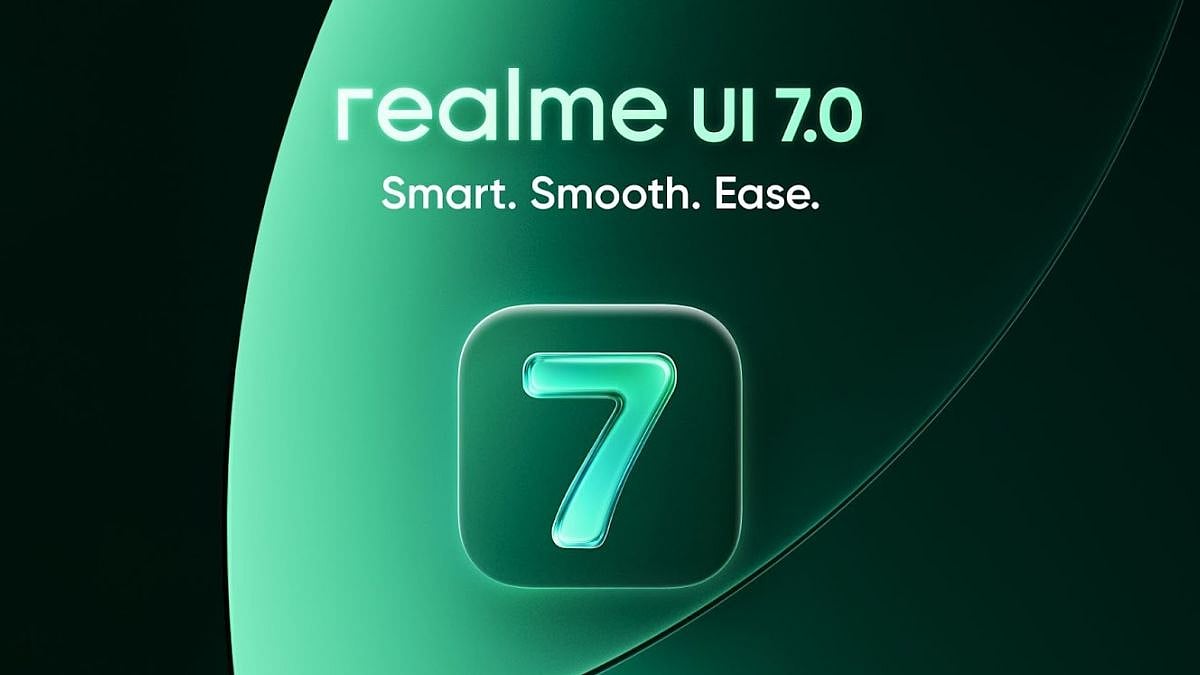
Realme UI 7.0 was announced alongside the Realme GT 8 Pro smartphone, and now it is rolling out for more devices. The new UI, based on Android 16, brings along a new 'Light Glass' design with a breathing dock for most used apps, new flux desktop theme, and super fast transitions and animations, among other things. Realme UI 7.0 is also bringing a host of AI features, incuding a notification brief that gives you a summary of all your notifications in one single window.
The Realme UI 7.0 Early Access Beta programme is rolling out to additional smartphones, enabling users to test them out before they get the stable version. It is important to note that this is not the stable version, but a beta version, so it may be plagued with glitches and errors.
In any case, the list of eligible devices getting the Realme UI 7.0 beta update is as follows:
- Realme 14 Pro
- Realme 14T
- Realme Narzo 80 Pro
- Realme P3 (global rollout)
Note that availability may vary by region, and devices must run the latest official firmware to qualify. To reiterate, the beta update may contain bugs, app crashes, or instability, so it is not recommended for primary devices. If you do decide to go ahead and update, make sure you back up your important data. Before installing the update, ensure that you have at least 40 percent battery, stable Wi-Fi connection, and 3GB to 8 GB free storage.
How to install Realme UI 7.0 beta:
If you have one of the mentioned devices, then you can enroll for the beta program and download the Android 16-based Realme UI 7.0 update.
1. Open Settings, head to About device, and then go to Version.
2. Tap on Version Number seven times to enable Developer Mode.
3. Go back to About device and tap the Realme UI 7.0 banner at the top (if visible).
4. Tap the three dots in the top-right corner, then click on Beta programme, and then Early Access.
5. Select Apply Now, fill in the required details, and submit.
If approved, the beta update will arrive via OTA within a few days. Users can check for updates manually in Settings and then clicking on Software updates.
Realme UI 7.0: New features
Realme UI 7.0 brings a new 'light glass' interface, inspired heavily by the 'Liquid Glass' design from Apple. The new update brings a breathing dock for most used apps, new ice cube icons, and misty glass control centre. The Flux Desktop feature brings new themes with Flux Theme 2.0. There is also a new customisable fingerprint feature and seamless transition animation for a more smoother experience. Realme UI 7.0 brings a new multi-task side bar that lets you switch between apps seamlessly.
The new update brings a host of AI features like AI Framing Master that gives you advice how to frame your photo for the perfect click, and AI Notify Brief that gives you a summary of all your notifications in one glance.
Published on: Tuesday, November 18, 2025, 11:28 AM ISTRECENT STORIES
-
-
-
-
-