ICSI CS June 2026 Enrolment Starts For Executive, Professional Exams At smash.icsi.edu; Last Date Without Late Fee Is March 25
ICSI has started enrolment for the CS June 2026 Executive and Professional exams. Candidates can apply through the SMASH portal. The last date without a late fee is March 25, while applications with a late fee will be accepted till April 9.

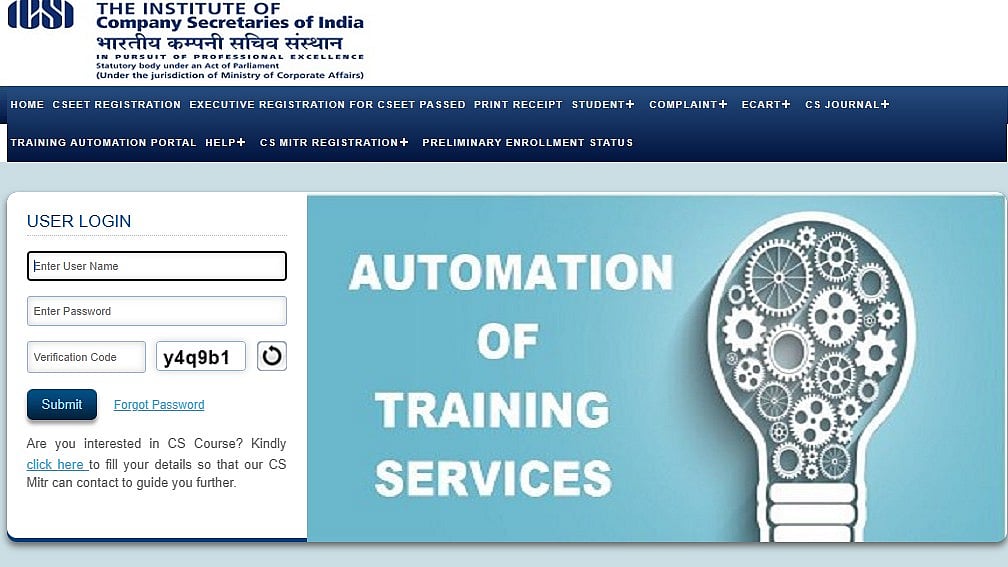
ICSI CS June 2026 Registration: The ICSI CS June 2026 registration period for the CS Executive and CS Professional exams has begun. Candidates who are eager to take the CS Executive or CS Professional exam and who enrolled for the ICSI CS June exam 2026 for both groups prior to the deadline must enrol and complete the required pre-examination test. The CS June 2026 datesheet is available on the official ICSI website. On June 1, 2026, ICSI will start offering the CS June 2026 exam online.
ICSI CS June 2026 Registration: Important dates
ICSI CS June 2026 Enrollment Begins: February 26, 2026
Last Date to Enroll (Without Late Fee): March 25, 2026
Last Date to Enroll (With Late Fee): April 9, 2026
ICSI CS June 2026 Registration: Eligibility criteria
Only the following students are eligible:
Must have completed the Pre-Examination Online Test.
Must have completed the Pre-Examination Online Test.
Must have completed:
One-Day Orientation Programme (for students enrolled between June 1, 2019 and January 31, 2025), OR
Three-Day Orientation Programme (for students enrolled on or after February 1, 2025).
ICSI CS June 2026 Registration: Application fees
Executive Programme: ₹1,500 per group
Professional Programme: ₹1,800 per group
Late Fee for Submission of Form: ₹250
Change of Exam Centre / Group / Medium / Optional Subject: ₹250 per change
Addition of Group: ₹250 + service charge
Surcharge for Overseas Exam Centre (Dubai): US$100 or equivalent in INR (over and above normal exam fee)
ICSI CS June 2026 Registration: Steps to register
Candidates must take the actions listed below in order to register for the CS June 2026 exam:
Step 1: Go to smash.icsi.edu, the official SMASH portal.
Step 2: Type the following login information: Verification Code, Password, and Student Registration Number.
Step 3: Select Module then Enrolment and then Request for Enrolment.
Step 4: Select "Add Enrolment Request".
Step 5: Click "Next" after entering the necessary information (Country, State, Center, Medium & Combination of Modules, etc.).
Step 6: Fill out the form and pay the charge.
For more information, candidates are advised to visit the official website.
Published on: Thursday, February 26, 2026, 12:29 PM ISTRECENT STORIES
-
-
-
-
-